At some point, many pass programs outgrow where they started. For some it is their first provider: pricing changed, the roadmap stalled, support went quiet, or the program simply needs capabilities the platform doesn't have. For others it is an in-house build, and the team would rather hand certificates, update services and every new wallet release to a specialist provider than keep running them itself. Either way, the question that decides whether switching is realistic is the same: what happens to the passes already sitting in customers' wallets?
The short answer is encouraging: a well-run migration moves your program without your customers doing anything. But "well-run" carries real weight, and knowing how migrations actually work is the difference between a smooth cutover and a program you have to rebuild from zero.
Why passes are movable at all
Every updatable Apple Wallet pass points at a web service, a URL baked into the pass that its device checks for updates, using a per-pass authentication token. Google Wallet passes live as objects in Google's systems under an issuer account. In both cases, the pass is not stranded on the old provider's servers: it is an object with a defined update path, and update paths are exactly what migrations use.
The mechanics differ by platform. On Apple, pointing existing passes at a new service means issuing an update to every pass. The update carries the new service address, and from then on devices talk to the new provider. On Google, continuity depends on who controls the issuer account the passes were created under. Which brings us to the part that matters more than the mechanics.
The question that decides everything: who owns what
A migration succeeds or fails on data and ownership, not on engineering. Before anything else, establish:
- Can you export the pass records? Serial numbers, member identifiers, and (critically for Apple) the per-pass authentication tokens and device registrations. Without these, existing passes cannot be transitioned; they can only be replaced.
- Who owns the Google issuer account? If passes were issued under your own account, they move with you. If they were issued under the provider's account, transferring them needs the provider's cooperation.
- Whose Apple Developer account holds the pass type identifier? The identifier and its certificates can be registered under the merchant's own account rather than the provider's. When they are, the passes belong to you outright, and a future backend change never asks customers to re-add anything.
- Who can push? The transition itself is delivered as a pass update, which only the party holding the current signing credentials can send. A cooperative outgoing provider makes this a routine step; an uncooperative one makes it the bottleneck.
The uncomfortable truth is that these answers were determined the day the program launched, by the contract you signed. If you are choosing a first provider today, or still weighing building the infrastructure yourself, this section is your checklist: insist on data export rights and clarity on account ownership before there is anything to migrate.
What a migration actually looks like
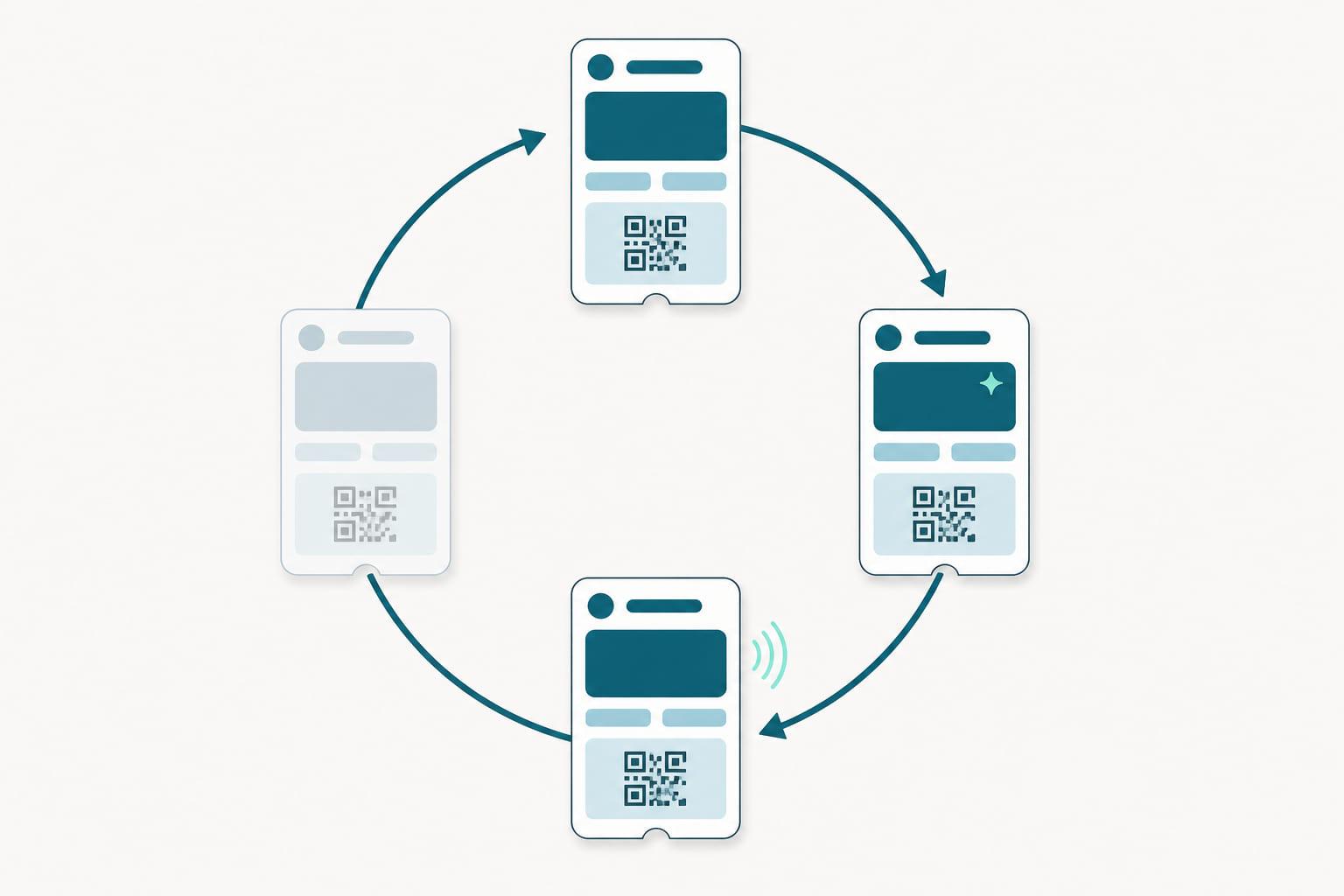
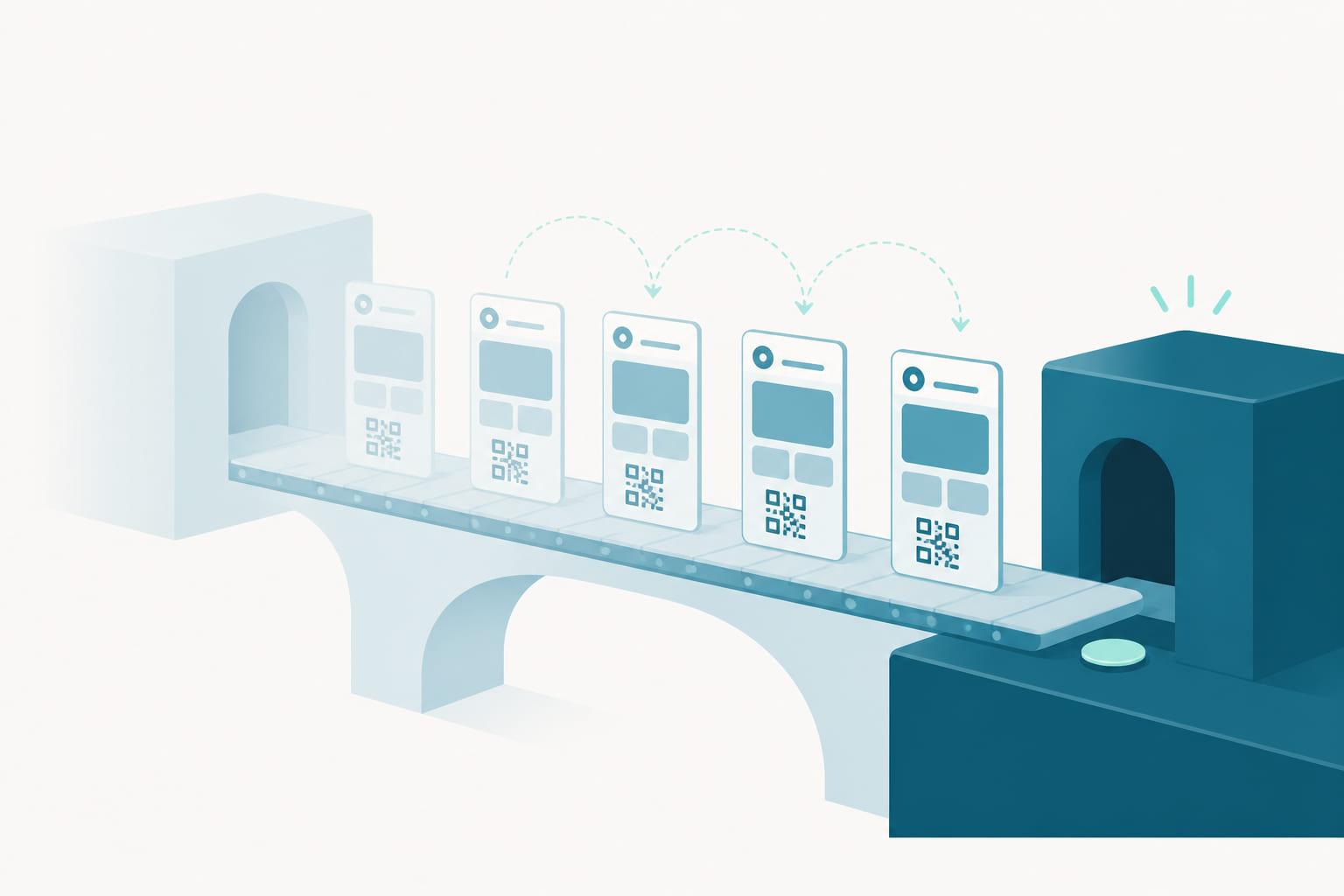
With ownership resolved, a migration runs in overlapping phases rather than a hard switch:
- Export and reconcile. Member data, pass records, tokens, and registrations move to the new platform and are checked against your CRM. This step is also an audit: programs routinely discover members whose pass state and CRM record drifted apart years ago, and the migration is the moment to reconcile them.
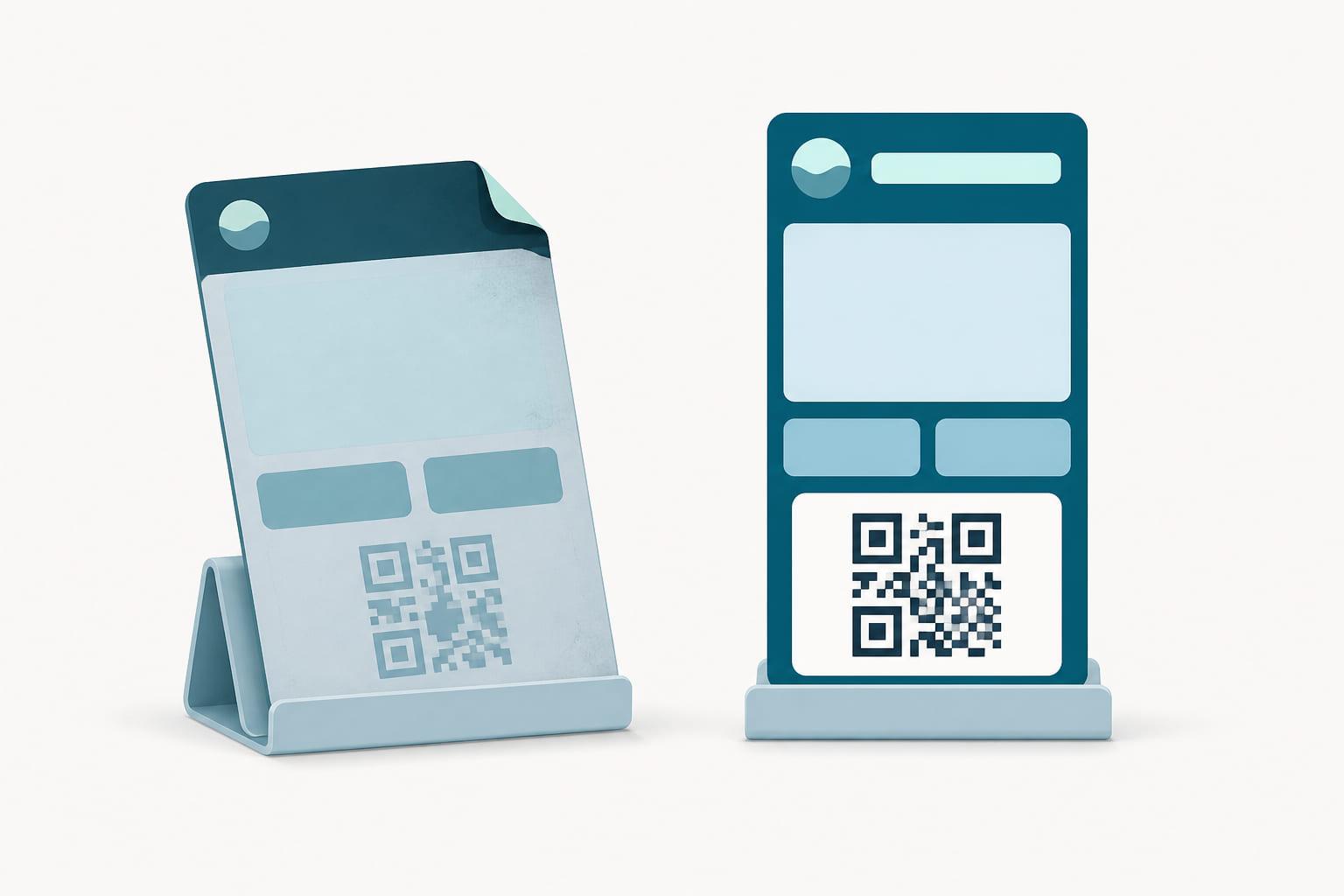
- Transition update. Existing passes receive an update pointing them at the new service. For active members this happens quickly and invisibly; the pass in their wallet looks the same, or debuts its new design.
- The long tail. Some devices check in rarely: phones in drawers, members gone quiet. A migration plan keeps the transition window open for them and issues fresh enrollment links to anyone who never checks in, so nobody's pass simply dies.
- Cutover for new members. New enrollments flow through the new platform from an agreed date, so the tail never grows.
Throughout, the member-facing rule is simple: nobody should have to delete, re-add, or even notice their pass. The strongest sign of a well-run migration is that customers never learn it happened.
A migration is also an upgrade
There is a quieter reason to plan the switch carefully: the transition update is a free shot at making the program better. The same update that repoints a pass can carry a refreshed design, corrected fields, and richer data. And the platform you land on determines what the program can do from day one after cutover.
This is where the destination matters as much as the journey. On Stell, a migrated pass arrives into full lifecycle management: live balance and tier updates, lock-screen messages when something changes, and identification that works both ways at the till, QR or barcode on the scanners you already own and NFC where terminals support it. Enrollment links for the long tail double as an upgrade to post-purchase enrollment for everyone new, so the program starts converting shoppers into members at the moment they pay. Member state syncs with your CRM through the API and webhooks, so the reconciliation you did in phase one stays done. Many programs come out of a migration not just moved, but working harder than before.
Questions to ask both providers
To the one you're leaving: can we export serial numbers, tokens, and device registrations, in what format, and what does offboarding cost? Will you deliver the transition update, and on what timeline?
To the one you're joining: have you run migrations from our current provider before? How do you handle the long tail of dormant devices? And (because the pattern repeats) what are your data export terms, so leaving you someday would be just as possible?
Stell answers that last one in writing: your member data and pass records are exportable, your Apple pass type identifier and certificates can be registered under your own Apple Developer account, and your Google passes live under ownership terms that keep them yours. We think portability is a feature, not a threat. Providers keep customers with product, not with lock-in.
The short version
- Passes in wallets are movable: both platforms have update paths a migration can use.
- Success is decided by ownership: exportable pass records, authentication tokens, device registrations, and the Google issuer account.
- A good migration is invisible to members, handles the long tail of dormant devices, and cuts new enrollments over cleanly.
- The transition update is also an upgrade path: a chance to land on a platform with real lifecycle management.
- Whether migrating now or choosing a first provider, get data export and ownership terms in writing.
Switching providers is a project, not a leap of faith. If your program has outgrown its platform, the passes your customers carry don't have to be the reason you stay. Talk to us about what a migration to Stell would look like for your program.