


Loyalty that lives where customers already look
A loyalty pass in Apple Wallet or Google Wallet carries points, tier and member identity on the phone the customer already has. No app to download, no plastic to forget, and every balance change lands on the pass within seconds.

 Next rewardFree coffeeNext rewardFree coffee
What the pass does
Enrolled in one tap
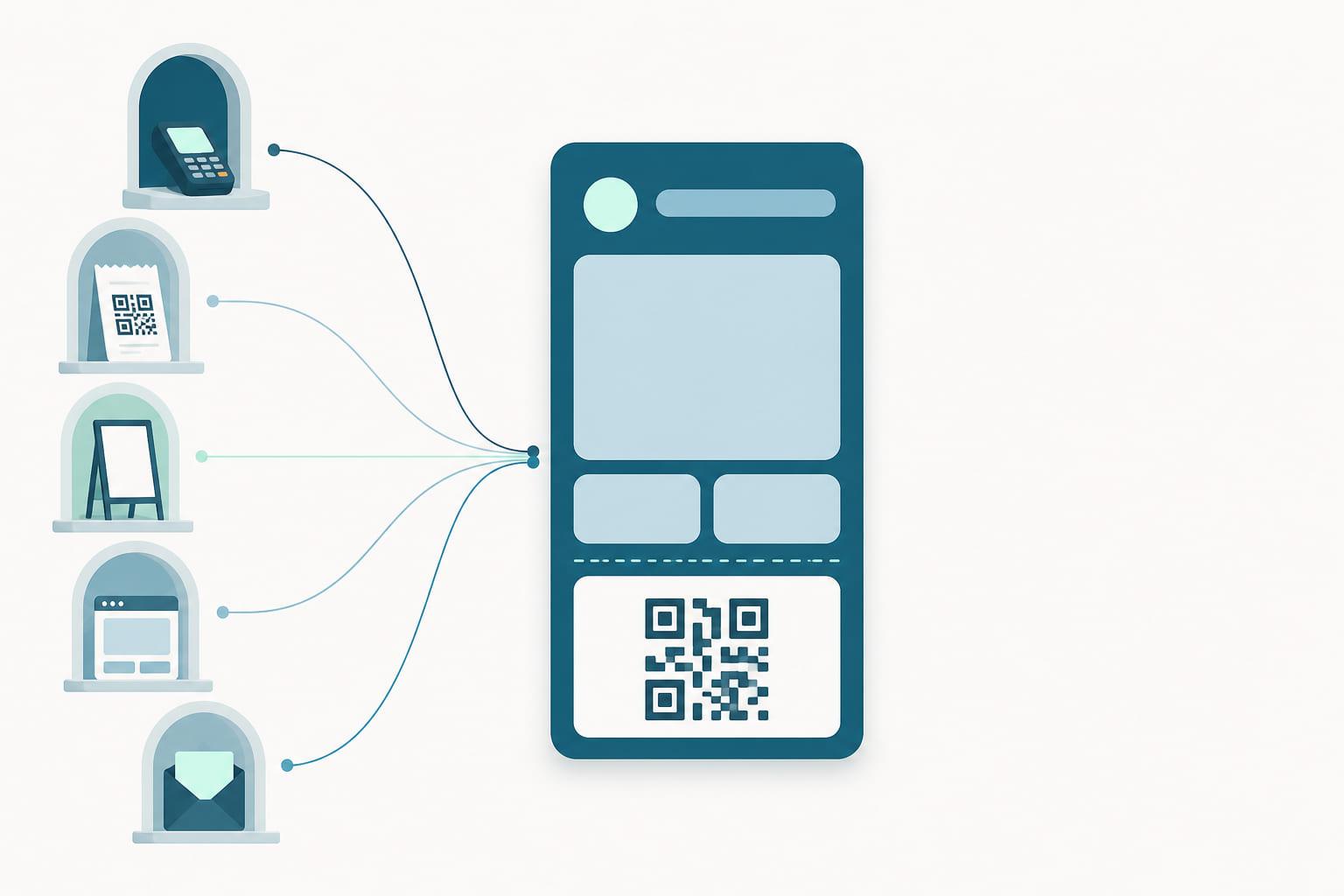
Members add the pass from a link or QR code in email, SMS, your website or a poster at the till. The pass is bound to the member record in your CRM or loyalty engine, so enrollment is a tap, not a form on a clipboard.
Identified at the till
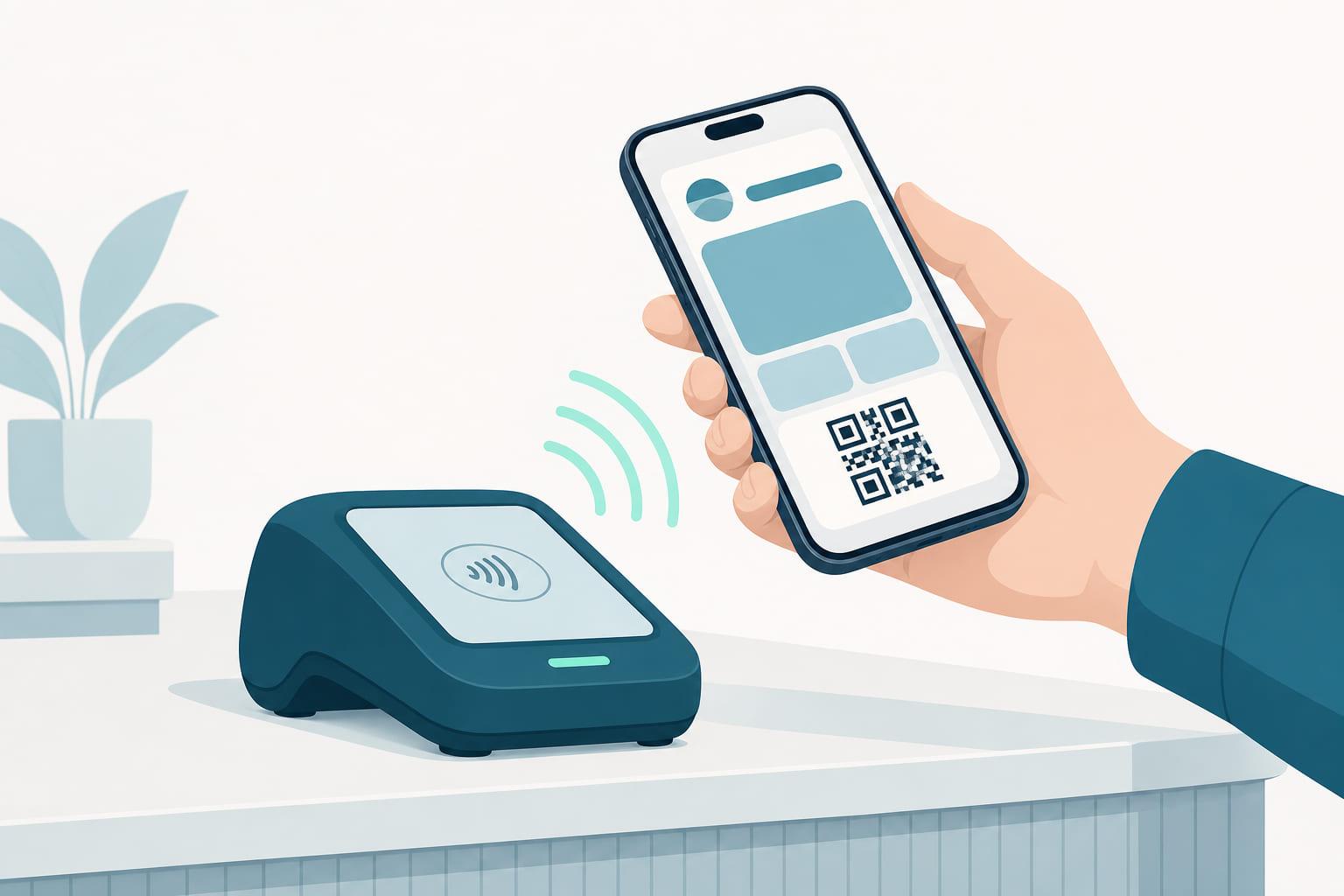
Customers identify by tapping the phone on an NFC reader that supports Apple VAS and Google Smart Tap, or by presenting the QR code or barcode to any scanner you already run. Plenty of terminals in stores today already speak both protocols, so tap often needs no new hardware, and where a reader does not, the barcode route works on the same pass from day one.
Live points and tiers
When points are earned or a tier changes, Stell pushes a signed update to every issued pass. The new balance appears on the pass and, when you want it to, as a change message on the lock screen.
A program you can run
The portal shows installs, taps and redemptions per pass. Design changes reach every live pass without reissuing, and expired or churned passes leave the active list on their own.
The life of a loyalty pass
From the record it is created out of to the day it retires itself, with nobody having to think about it in between.
Created from the member record
The pass is generated from your CRM or loyalty engine, one member at a time through the API or in bulk for an existing base. The template decides the design, the fields and how the pass identifies.
Added in one tap
A link or a QR code opens the add page, and the pass lands in Apple Wallet or Google Wallet. Nothing to download, nothing to remember at the till.
Recognized at the counter
The member taps the phone on a VAS or Smart Tap capable reader, or shows the code to the scanner. Either route resolves to the same member record before the transaction closes.
Kept true, then retired
Points, tier and rewards are pushed to the live pass in seconds. When the membership ends, the pass expires and leaves the active list on its own.
What every field is doing
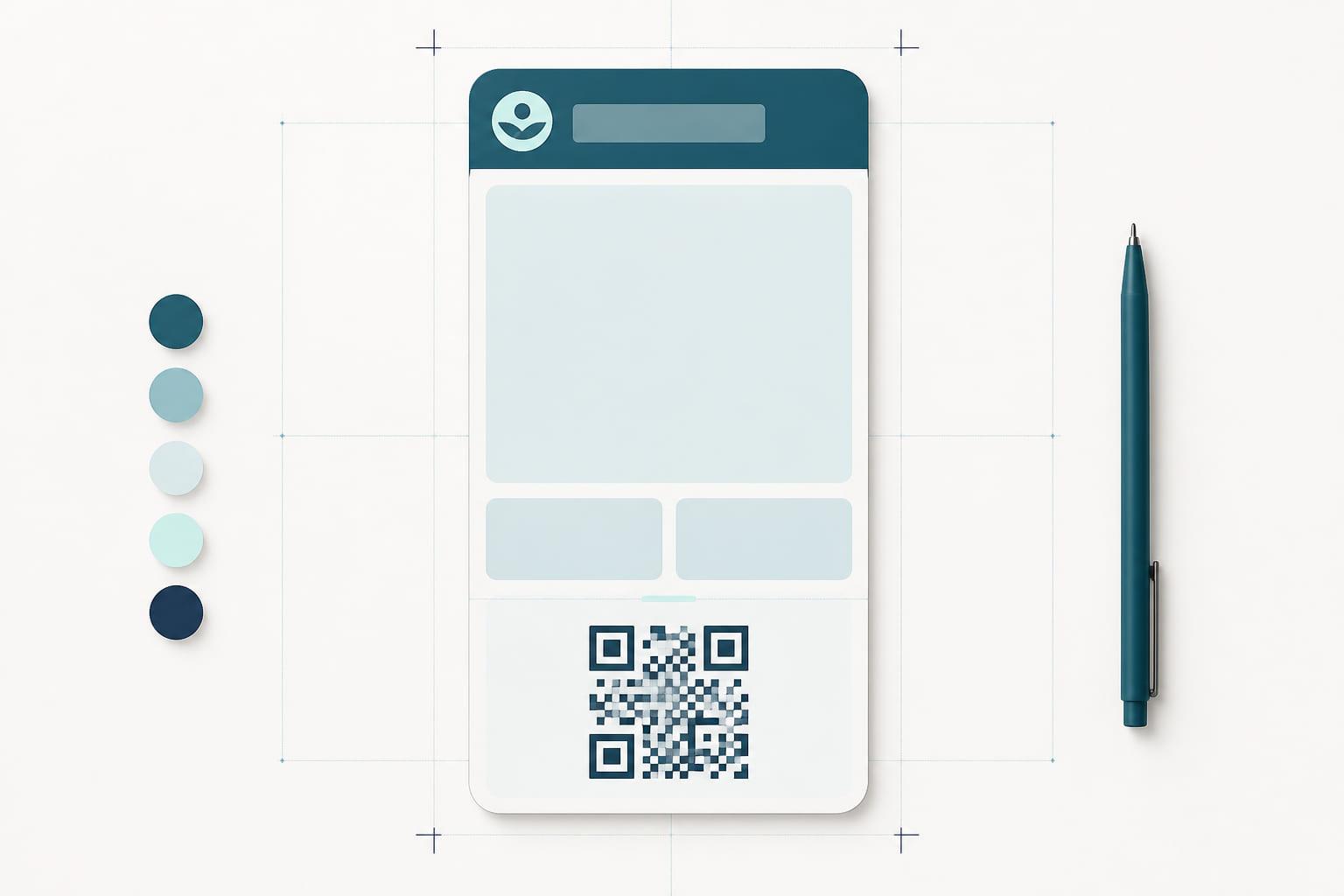
The pass shown here is one example. A wallet pass has room for a handful of fields, and the template decides which of them carries what, so treat this as a starting point rather than a rule.
Next rewardFree coffeeExample layout
Your brand
Logo text and pass artwork are yours. Members recognize the program in the wallet list before they open anything.
Next reward
The header field sits at the top of the pass and reads before anything else. On a loyalty pass it earns its place by saying what is next, not what is spent.
Point balance
The number members opened the pass for, pushed from your loyalty engine so it matches what the till says.
Member identity
Name and member number bind the pass to one account. That binding is what makes a tap resolve to a person rather than to an anonymous discount.
Tier progress
One line of progress toward the next tier: small enough to ignore, specific enough to act on.
Tap or scan
The same pass carries both routes: the contactless mark where the member taps a reader, and the QR code or barcode where the store scans instead.
Featured actions
Up to two of Apple's predefined actions sit under the pass on iOS 27. On a loyalty pass that means the offers page or the ordering flow, opened straight from the wallet.
What it replaces
The wallet pass is not a nicer version of the old artifact. It is the same job, done by something that can be updated after it is handed over.
- Printed, mailed and replaced at your cost
- Left at home, or in the other coat
- A balance the member has to ask a cashier for
- Nothing to update when the program changes
- Issued in seconds from a link or a QR code
- On the phone they are already holding
- A balance that updates within seconds of a visit
- One template change that reaches every live pass
Who runs this pass
The same pass type, shaped by what happens at the counter.
Retail chains
Identify the member in the same tap as the payment, at every till in every store, on the terminals already on the counter.
Cafés and quick service
The queue decides the format. A tap or a scan adds the points and applies the reward without a phone number, an app or a question.
Grocery and convenience
High visit frequency, low patience. The pass rides along with the payment, and the new balance is on the phone before the customer leaves the store.
The pass is also the channel
Engage, Stell's messaging module, sends through the pass the customer already carries. No app install, no rented inbox.
Automations that follow the pass
Pass installed, points earned, tier changed and inactive days are triggers in Engage, Stell's messaging module. Each one sends without anyone remembering to.
Segments built from loyalty state
Build an audience from points, tier, last visit, wallet type or birthday month, and see the estimated reach before a campaign sends.
Restraint, built in
A member who qualifies for three messages in a week gets the one that matters, not all three.
Loyalty cards, answered
- Do customers need to install an app to use a loyalty pass?
- No. The pass lives in Apple Wallet or Google Wallet, which ship preinstalled on the phone. Customers add the pass from a link or QR code in one tap. If you do have an app, the pass works the other way too: it can link straight into it, and on iPhone can offer the install directly from the pass.
- How do customers identify at the till with a loyalty pass?
- Either by tapping the phone on an NFC reader, using Apple VAS or Google Smart Tap, or by showing the QR code or barcode to a scanner. Both are first-class options and work with hardware most stores already own.
- How fast do points update on the pass?
- Balance and tier changes are pushed to the pass in seconds, and can trigger a lock-screen notification tied to the change.
- Can I change the pass design after passes are issued?
- Yes. A template change is re-signed and pushed to every issued Apple Wallet pass and applied server-side for Google Wallet, so live passes update without being reissued.
- Can a loyalty pass work with the loyalty engine we already run?
- Yes. The pass renders the state your system holds: points, tier and rewards come from your loyalty engine or CRM, and Stell pushes them to the pass when they change.
- What happens to a loyalty pass if the customer changes phone?
- The pass follows the wallet account to the new device, and passes are also available on a paired Apple Watch or Wear OS watch.
- Can one customer hold passes in both Apple Wallet and Google Wallet?
- Yes. A pass is issued for the wallet it will live in, so a customer with an iPhone and an Android phone holds one of each, both bound to the same member record.
A number for your program.
Tell us what you issue and where it is scanned. A specialist replies with a quote, what it covers, and the integration work we take on.
- Apple Wallet and Google Wallet included
- NFC and QR/barcode identification, both first-class
- Terminal and loyalty-platform integration done by us
Prefer to see it first? Book a demo instead.