The smoothest loyalty interaction in retail today is the one nobody notices: a customer taps their phone to pay, and in that same tap the terminal reads their loyalty pass. No app opened, no code shown, no "are you a member?", because the till already knows. This is NFC loyalty identification, and it runs on two protocols most retailers have never had to name: Apple VAS and Google Smart Tap.
This article explains how the tap works, what it requires on your side, and how to tell whether your setup is ready for it.
What happens in the tap
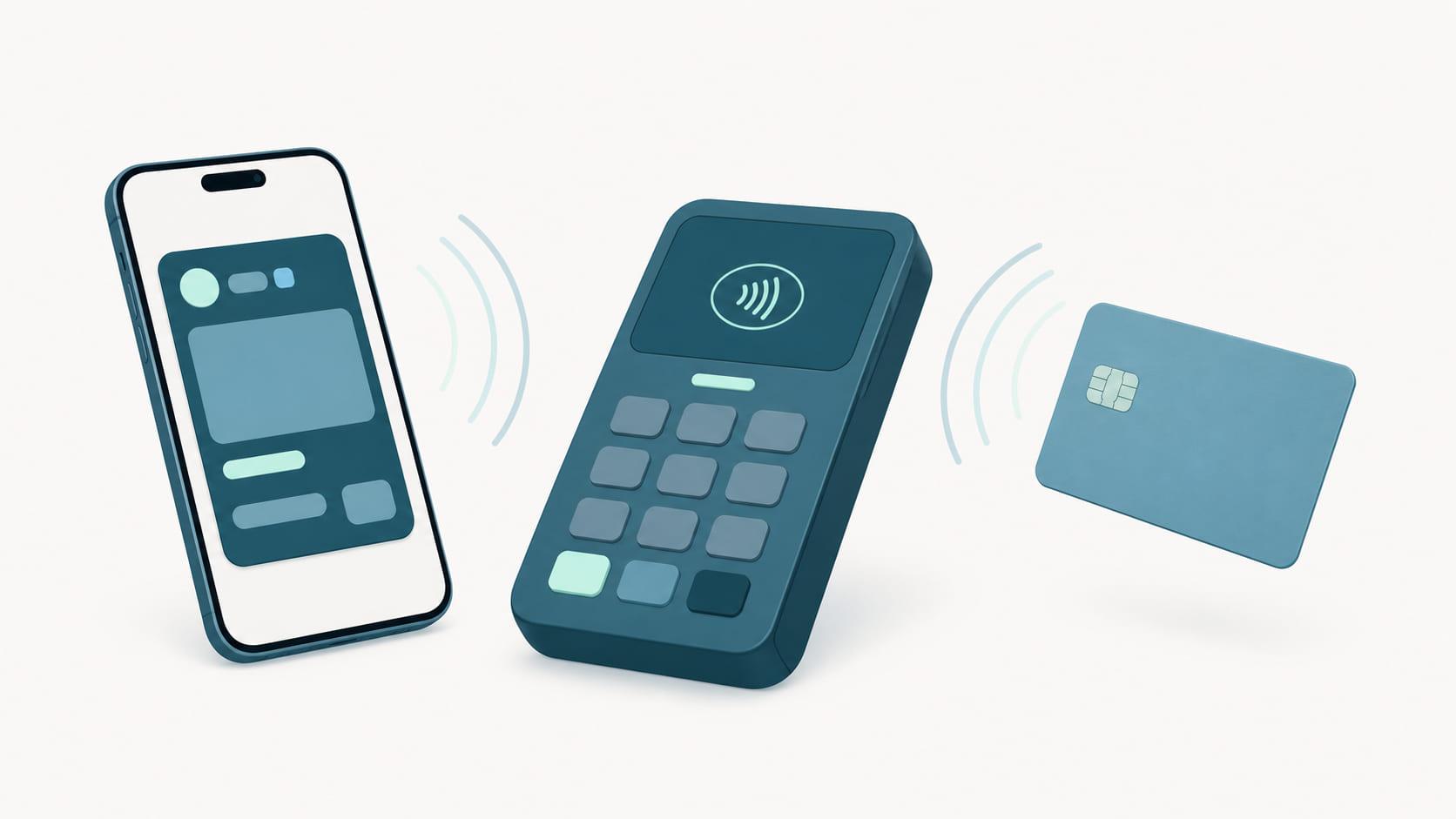
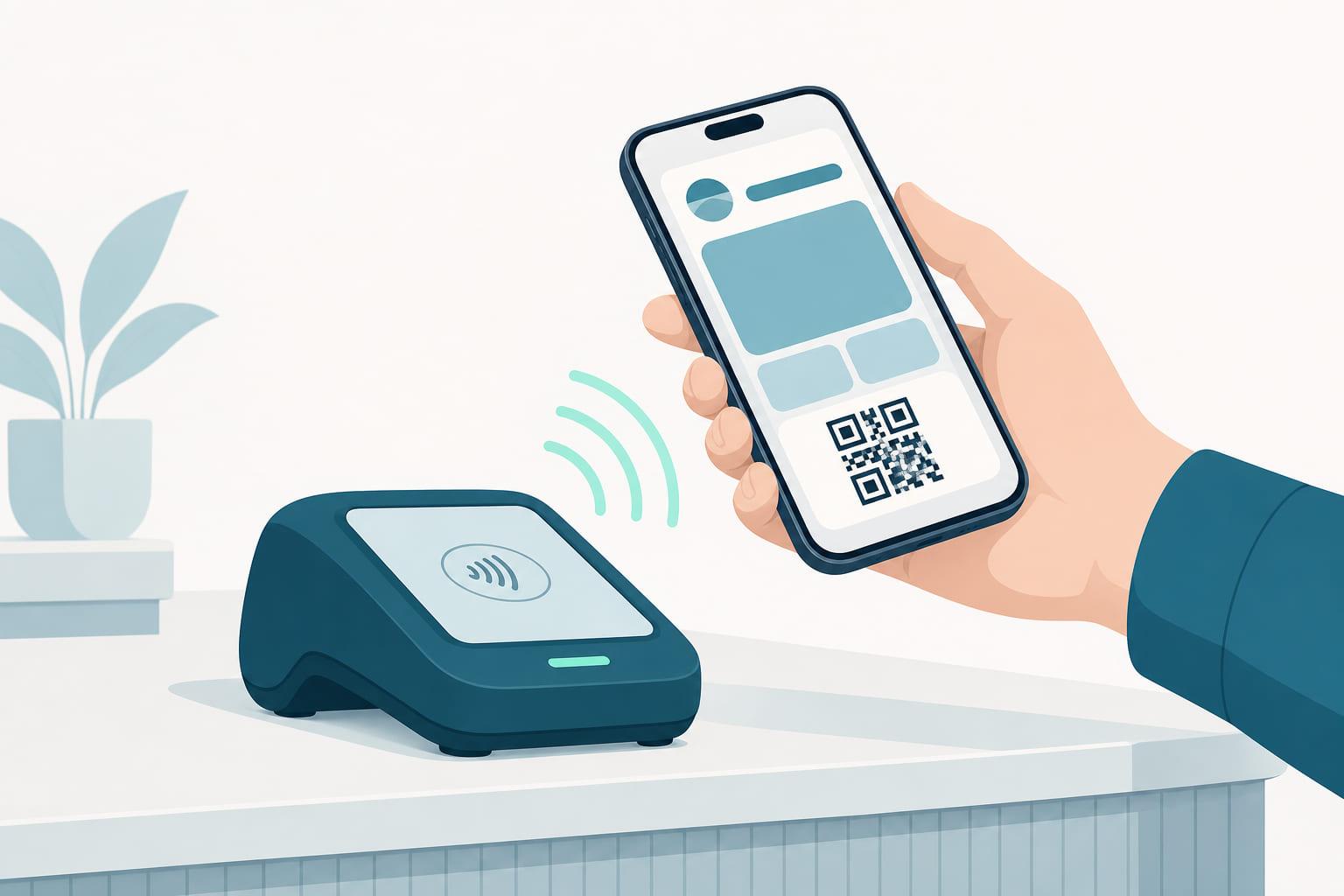
A wallet pass can carry an NFC payload alongside its visual design. When a phone comes near a capable terminal, the wallet presents that payload over NFC: on iPhone via Apple's Value Added Services (VAS) protocol, on Android via Google's Smart Tap. The terminal reads the member identifier, hands it to the POS, and the transaction is linked to the member before the receipt prints.
Two properties make this different from scanning a code. First, it can ride the payment tap: one gesture, two results. Second, it is secure by design. The payload is encrypted so that only a terminal holding the matching key can read it, and the member can't be identified by any random reader they walk past. On the Apple side the device derives that encryption from the merchant's public key together with a timestamp and a random one-time ECDH P-256 key, which means every tap looks different on the wire and a recorded payload is of no use to anyone.
The customer does nothing new. They tap to pay the way they already do; identification is a property of the tap, not an extra step.
The two protocols solve the same problem on different platforms, and the differences matter mostly to whoever sets them up:
| Apple VAS | Google Smart Tap | |
|---|---|---|
| Runs on | iPhone and Apple Watch, from Apple Wallet | Android, from Google Wallet |
| Who approves it | Apple, as an entitlement on the developer account holding the pass type identifier | Google, as Smart Tap enablement on the issuer account |
| What the terminal reads | An encrypted member payload, unique per tap | An encrypted member payload, unique per tap |
| What it needs at the terminal | Terminal firmware that speaks VAS, with the merchant key configured | Terminal firmware that speaks Smart Tap, with the collector key configured |
| Set up by | The pass platform, with the payment provider | The pass platform, with the payment provider |
| If it is not enabled | The pass still issues, updates, and scans as a code | The pass still issues, updates, and scans as a code |
The last row is the one to hold on to. Neither protocol is a prerequisite for running a program; both are an upgrade to how the member is recognized. The difference between them, and the separate mechanism that recognizes the payment card itself, is worked through in VAS vs PAR.
Why the same tap matters
It is worth pausing on what "same tap" changes economically. Every loyalty program lives or dies on identification rate: the share of member purchases the program actually sees. Each purchase the till doesn't link is points not awarded, data not captured, and a member quietly learning the program isn't paying attention.
Every traditional identification method leaks. Members forget the physical pass, can't find the app, or decline to hold up the queue. Same-tap identification removes the leak at its source, because the identifying gesture and the paying gesture are the same gesture. The member cannot forget to do something they were doing anyway. That is why the queue at the coffee counter is where this technology makes its clearest case.
What your side needs
NFC identification has four requirements, and it helps to be direct about them:
- Terminals that speak the protocols. Modern payment terminals from major providers increasingly support VAS and Smart Tap, but support must be enabled and configured. It is a capability, not a default. Your payment provider can confirm what your fleet supports. Payment terminals are not the only option: standalone readers that speak both protocols add tap without a payment-ready terminal at all, and Stell works with hardware partners to supply them.
- An Apple VAS entitlement. NFC-enabled passes require an entitlement Apple applies to the Apple Developer Account that holds your pass type identifier, granted once Apple has reviewed the use case. This is the one requirement with someone else's timeline attached, which is why it is worth starting early. A VAS Provider prepares the request and carries the exchange with Apple; Stell is one.
- A certified pass. Beyond the entitlement, passes must be issued with the right credentials and encryption keys, and Smart Tap has its own approval on the Google side. This part is done at the platform level. It is one of the things a pass provider brings, rather than something each merchant sets up alone, and Stell's passes are certified for both.
- A key exchange. The encryption that protects the tap means your terminals and your passes must share a configured key pair. This is a one-time setup between your pass platform and your payment provider.
If that list sounds like plumbing, it is. But it is one-time plumbing, and it is the pass platform's job to make it boring. This is precisely the kind of work Stell exists to absorb: the certifications are held, the keys are managed, the entitlement request is one we write with you, and the conversation with your terminal provider is one we have had before. Only the entitlement genuinely needs you, and what it needs is a description of your program, not a project.
It is also worth knowing what the entitlement does not block. A pass without it still issues, still lives in Apple Wallet, still updates, and still identifies the member by QR or barcode. Programs routinely launch on the code route and gain tap when the entitlement lands, with nothing reissued and nothing for members to redo.
Where the tap can happen
"At the till" is the obvious case, and it is not the only one. Anywhere a reader can sit, a pass can be tapped:
- The payment terminal, reading the pass in the same tap as the card. This is the flow with the least friction, because the customer was already tapping.
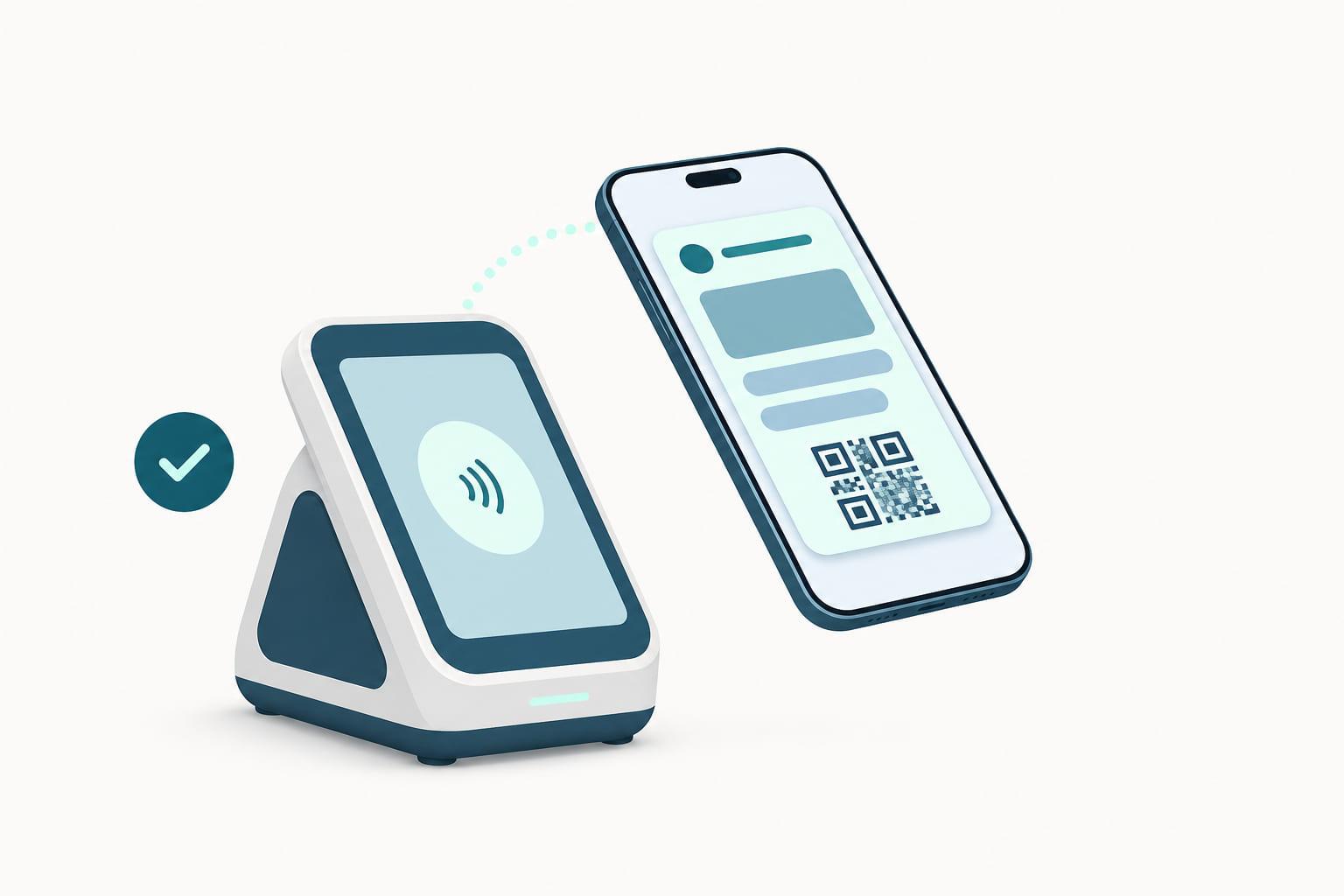
- A standalone reader on the counter, at a kiosk, or beside a self-checkout, for places where the payment terminal cannot be changed or where identification happens before payment.
- An entrance or gate reader, for memberships and access passes, where the tap is the whole interaction and there is no purchase attached.
Which devices actually support VAS and Smart Tap is a question of specific models and firmware rather than brands, which is why we maintain a directory of readers and terminals with what each one supports. If your fleet turns out not to support either protocol, that is a hardware conversation rather than a dead end, and the pass keeps working over QR while it happens.
Where NFC shines, and where QR is the right answer
NFC is at its best where speed and volume meet: the coffee counter, the grocery lane, the queue that must keep moving. It also quietly raises identification rates, because the member doesn't have to remember to do anything. The tap they were making anyway carries the membership.
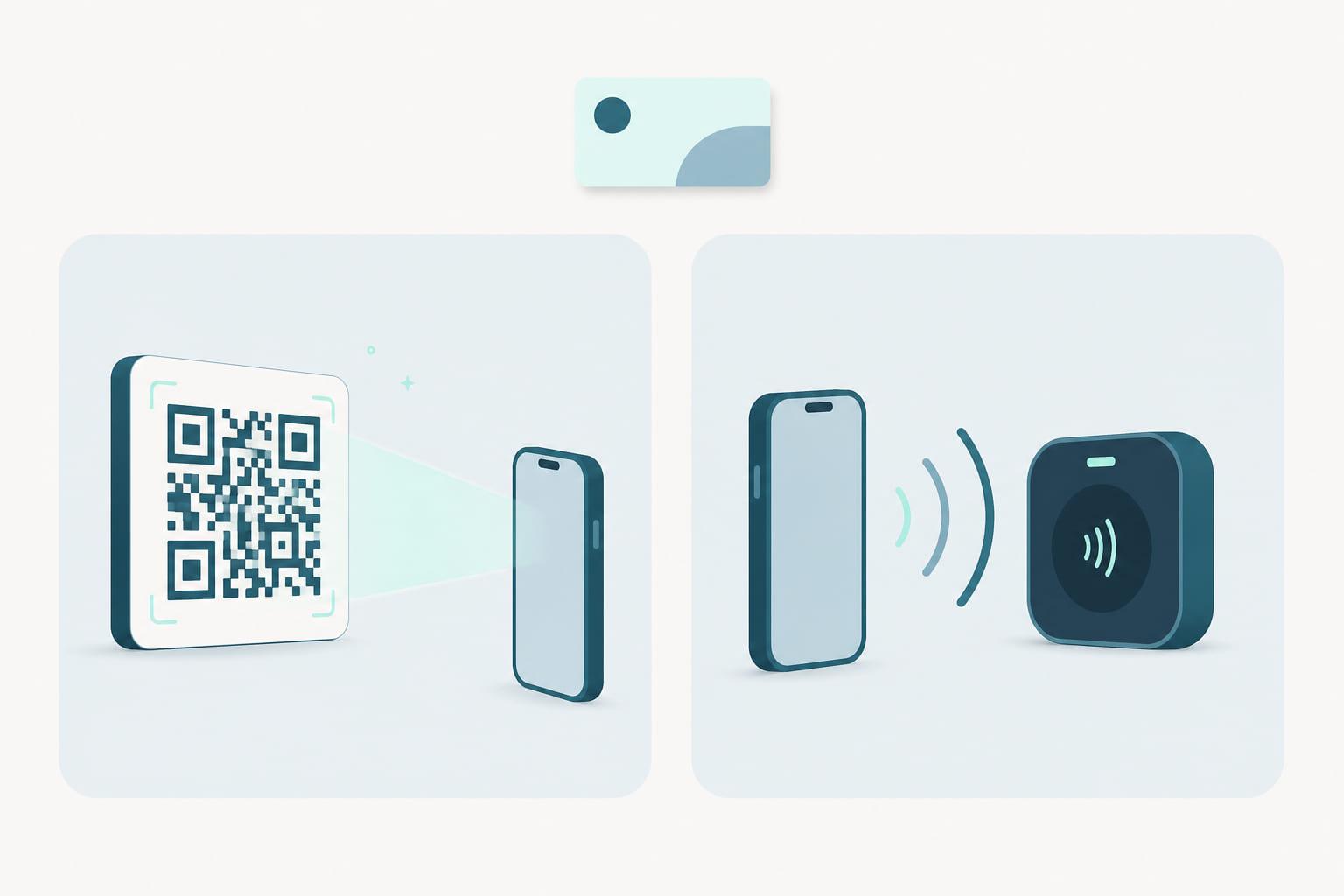
But NFC is a hardware question, and hardware is uneven. Scanner-based tills, older terminal fleets, self-checkout kiosks, and online orders all identify members perfectly well with a QR code or barcode. These are not lesser paths: a scanned pass identifies the member just as completely as a tapped one. The strongest programs run both, with NFC where the terminals support it and codes everywhere else, one pass serving every lane.
This is why Stell treats QR/barcode and NFC as equal citizens on the same pass. You issue one pass, and it identifies the member through whichever route each till supports. Because both routes live in the same pass, upgrading a store's terminals later changes nothing about the pass, nothing about the member's wallet, and nothing about your integration. The tap simply starts working.
How to evaluate your readiness
Three questions get you most of the way:
- Ask your payment provider whether your terminals support Apple VAS and Google Smart Tap, and what enabling them involves.
- Ask your pass platform whether it is an Apple VAS Provider, whose developer account the entitlement will sit on, and how the key exchange with your terminal provider works.
- Pick one high-volume location and pilot there. The value of same-tap identification is easiest to see where the queue is longest.
If step 1 turns up a fleet that can't do it, the terminal refresh conversation and the loyalty conversation are worth having together. We are an Adyen partner, and have written up what switching to Adyen means for a loyalty program.
It also helps to know who owns each piece before the project starts, because the parts with someone else's timeline attached are the ones worth beginning first:
| What | Who does it | Blocks launch? |
|---|---|---|
| Apple VAS entitlement | Apple approves, your pass platform prepares the request with you | No, the pass launches over QR and gains tap later |
| Smart Tap enablement | Google approves, on the issuer account | No, same as above |
| Terminal support and firmware | Your payment provider or hardware partner | Only for the tap, not for the program |
| Key exchange | Pass platform and payment provider, once | Only for the tap |
| Pass design and issuance | You and your pass platform | Yes, this is the program |
| CRM and POS integration | You and your pass platform | Yes, this is what keeps the pass true |
None of these steps require committing the whole estate. A single busy lane with capable terminals is enough to compare identification before and after, and the pass you pilot with is the same pass that will serve every other lane over QR in the meantime.
The short version
- NFC identification lets the payment tap also identify the member, via Apple VAS on iPhone and Google Smart Tap on Android.
- Same-tap identification closes the biggest leak in loyalty: purchases the program never sees because identifying took an extra step.
- It needs Apple's VAS entitlement on your developer account, capable terminals, a certified pass, and a one-time key exchange between your pass platform and payment provider.
- QR and barcode remain first-class: same pass, same member, right answer for scanner-based tills and online.
- Start with one busy location and let the queue make the argument.
The best loyalty interaction is the one that takes zero extra effort. NFC gets you there, and the pass Stell issues today already carries everything the tap will need. Book a demo and see it work at a terminal.