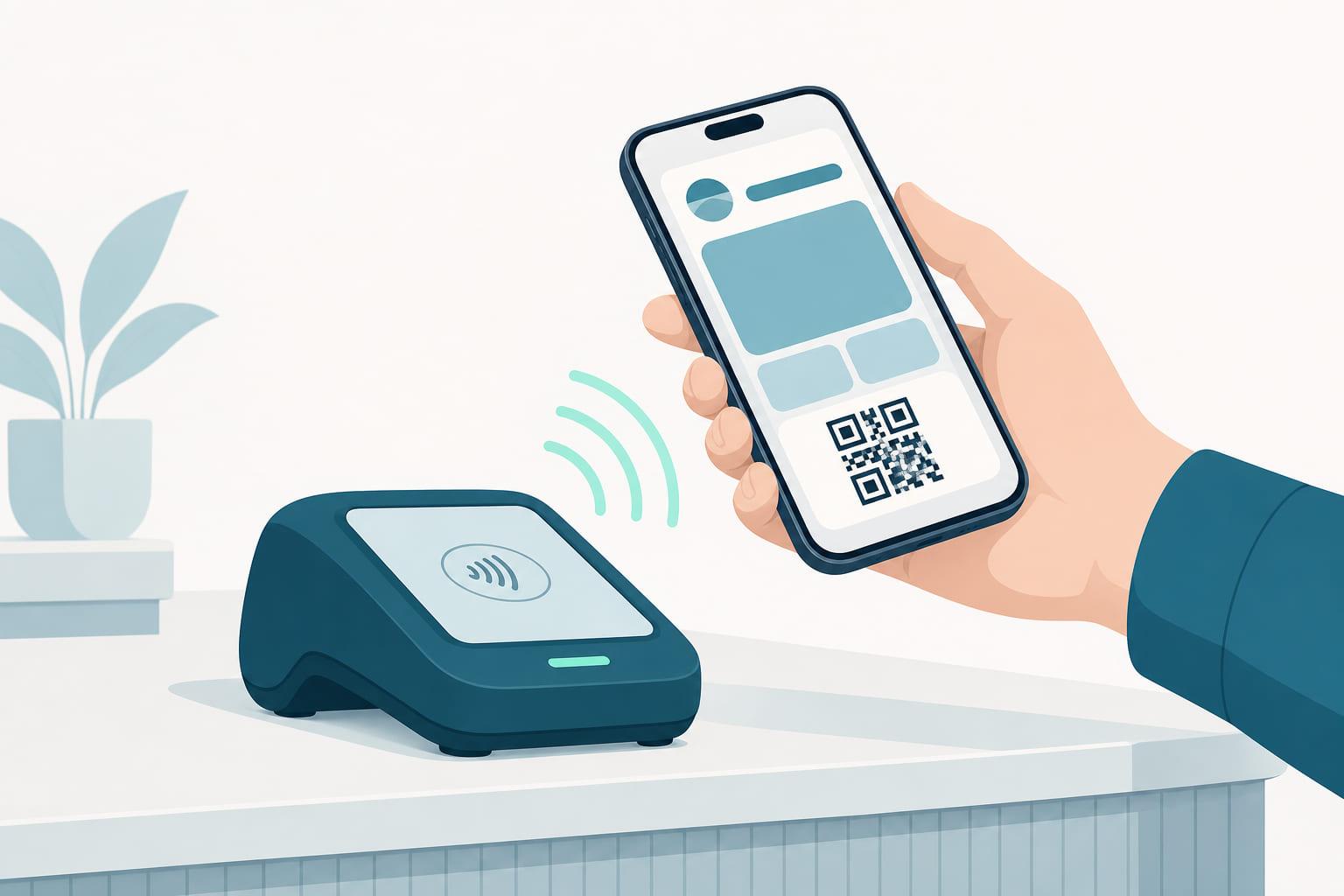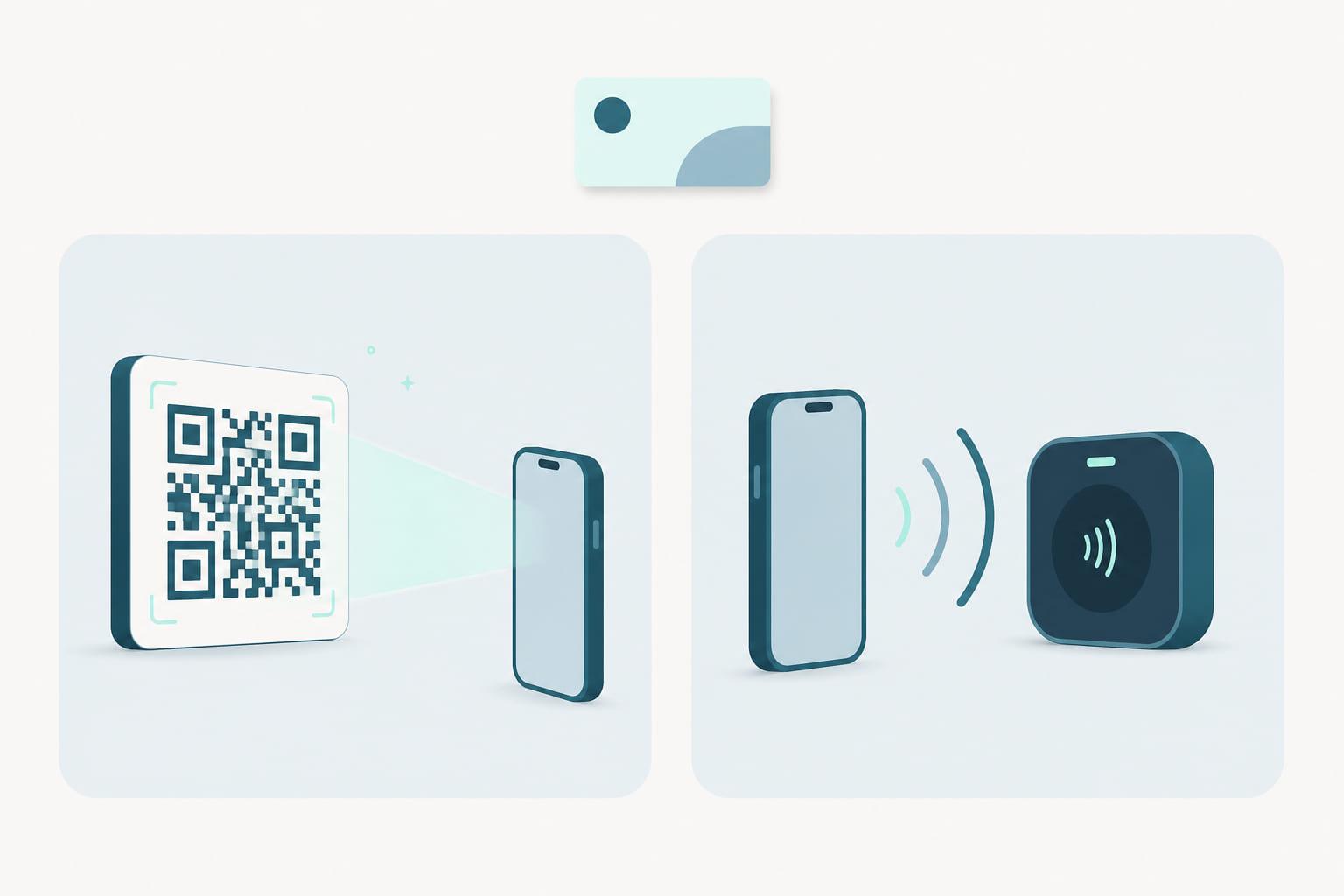
Every wallet pass needs to answer one question at the moment of truth: how does the till know who this is? There are two good answers. A code the scanner reads, or a tap the reader feels. Teams often frame this as a technology decision. It is really an operations decision, and treating it as a spectrum rather than a choice is what makes programs work.
What each one actually is
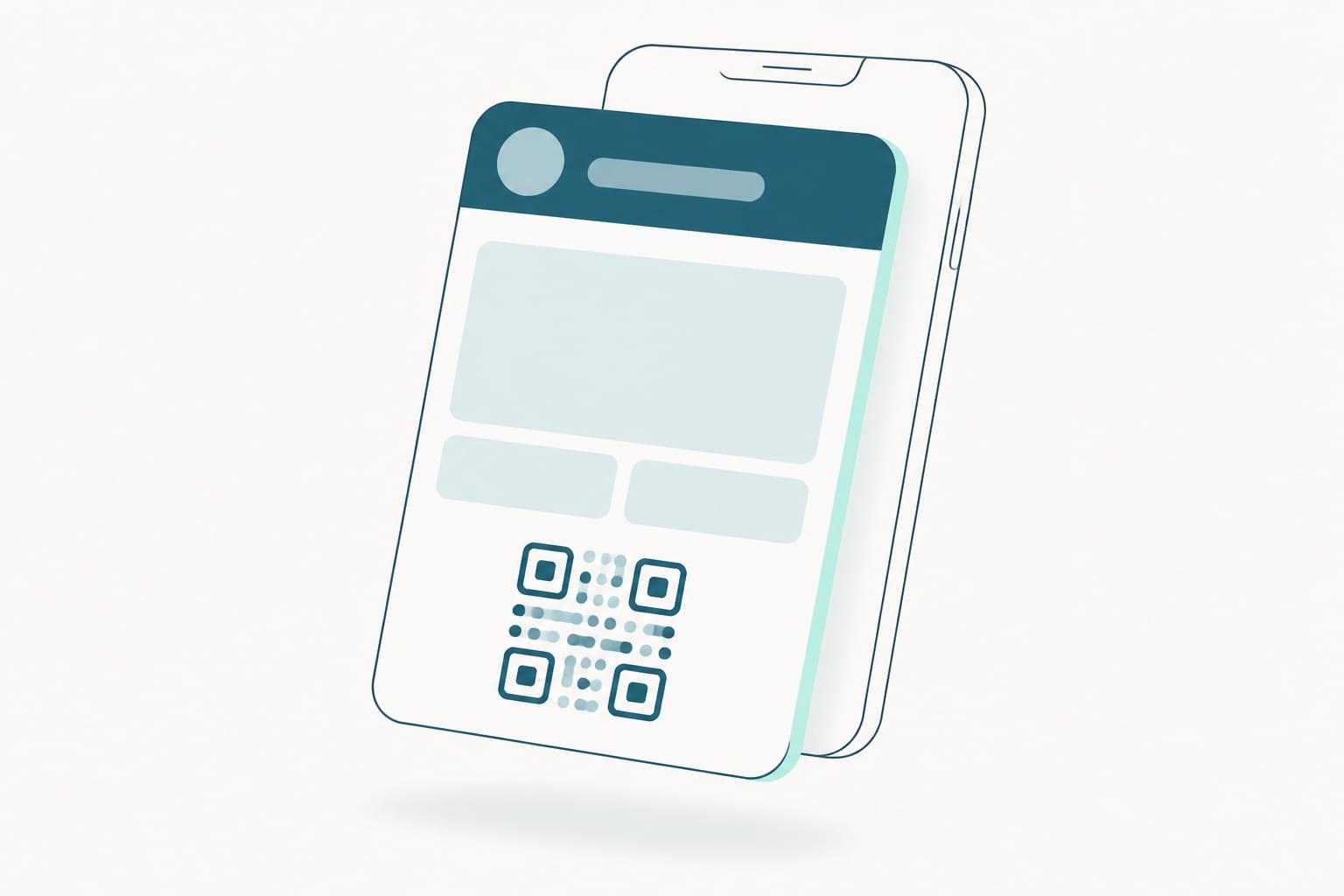
QR and barcodes are the pass showing something. The customer opens the pass, the screen displays a QR code, barcode, PDF417 or Aztec code, and your existing scanner reads it: the same scanner that already reads product barcodes and printed coupons. No new hardware, no integration project, working on day one.
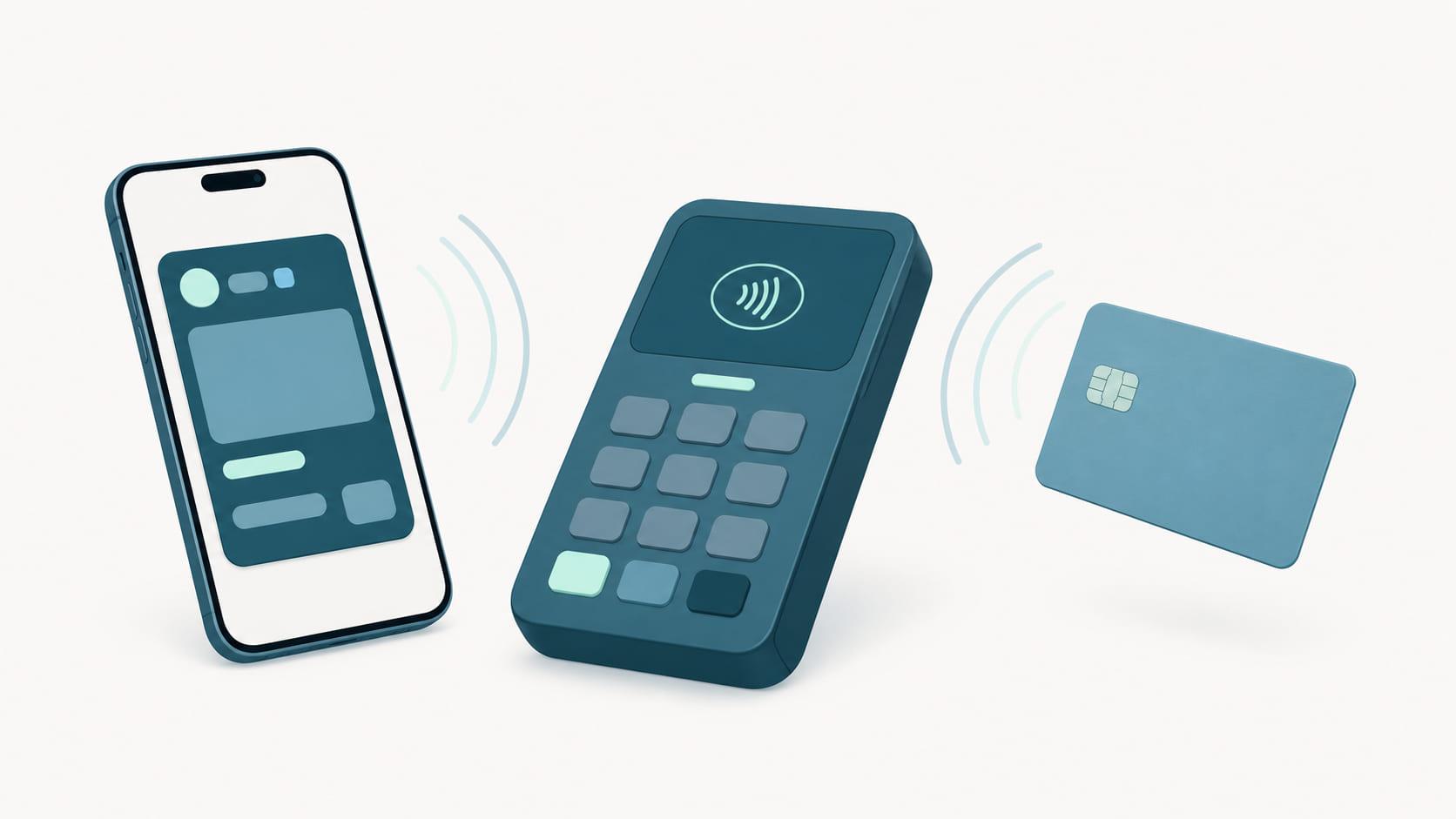
NFC is the pass telling something. The customer holds their phone near the reader, and the pass transmits the membership identifier over the same radio that handles contactless payment, the mechanism covered in how tap at the till works. On supported terminals (through Apple VAS and Google Smart Tap), identification rides along with the payment itself: one tap does both.
| Dimension | QR and barcode | NFC tap |
|---|---|---|
| Hardware at the till | Any existing barcode scanner | Reader or terminal with Apple VAS and Google Smart Tap |
| Customer gesture | Open the pass, show the screen | Hold the phone to the reader |
| Relation to payment | Separate step before or after paying | Can ride the payment tap itself |
| Setup before launch | None, live on day one | Reader rollout plus an Apple VAS entitlement |
| Works beyond the till | Doors, handhelds, tablets, pop-ups | Fixed points with capable readers |
| Enrollment on the spot | From a printed or on-screen code | From the terminal flow after a contactless payment |
| What limits it | Screen brightness, angle, a few seconds of queue time | Availability of capable hardware per location |
Both end in the same place: your system knows the customer, applies their benefits, and records the visit. And in both cases the interesting part is what happens next: the identification becomes an event your systems can act on, updating the points balance on the pass while the customer is still standing at the till.
The case for starting with codes
Scanning is the low-friction start, and not just for customers. If your stores have barcode scanners, you can launch a wallet program this quarter without touching the hardware budget. Staff already know the motion. The customer experience is familiar: show the pass, hear the beep, done.
Codes also travel further than tills. They work on a door scanner at an event, a handheld at a festival, a tablet at a pop-up. If your identification moments happen in many places with mixed equipment, codes are the common denominator that works in all of them.
What codes ask of the customer is a little ceremony: unlock the phone, open the pass, angle the screen. It takes a few seconds. In most queues, that is fine. And a pass is easier to produce than a plastic card ever was: it is already on the phone, surfaced from the lock screen when the customer arrives at your store.
The case for the tap
NFC removes the ceremony. The customer does not open anything: the phone touches the reader and identification happens, often inside the payment tap they were already making. It is the difference between showing your membership and simply being a member.
That difference compounds at scale. Seconds per transaction matter when there are queues. Staff never have to prompt anyone. And because identification is passive, it happens every time, not just when the customer remembers their points. Programs run on data, and the tap collects it without asking.
The tap also opens a door that codes cannot: post-purchase enrollment. When a non-member pays contactlessly, the terminal flow can invite them to join on the spot, with the pass in their wallet before they leave. Identification and enrollment become two sides of the same gesture.
The cost is setup: NFC identification needs reader hardware that supports it, or payment terminals with wallet pass support enabled. That is an investment decision with a clear payoff, not a blocker. But it is real, and it takes planning. There is also an approval to clear: Apple requires a VAS entitlement on the developer account holding your pass type identifier, granted once Apple has reviewed the use case. Part of what you buy with a pass platform is exactly this work. Stell is an Apple VAS Provider, so the entitlement request is one we prepare with you, and we handle the Smart Tap side and work with your payment provider on the terminal side. The QR route needs none of it, so the approval sits inside the rollout rather than in front of it. And terminals are not the only route: standalone readers that speak VAS and Smart Tap add tap at a lane or a desk without any payment-ready terminal, and Stell works with hardware partners to supply them. The reader directory lists the models known to support both protocols.
Why "both" is usually the answer
Here is the part the either-or framing misses: a single pass carries both. A Stell pass can hold a barcode and be NFC-capable at the same time. The customer does not choose a technology; they just use the pass, and the pass works with whatever is in front of it.
That makes the rollout sequence natural rather than painful:
- Launch on the scanners you own. Codes get the program live everywhere at once.
- Add tap where it earns its keep. Your busiest locations, your newest terminals, wherever queue speed matters most.
- Never migrate anything. The same passes, already in customers' wallets, simply start tapping where tap is available.
Flagship stores get the one-tap experience. The franchise location with the older till keeps scanning. The customer never notices a seam. This is what wallet agnostic means in practice: one pass, one program, working across Apple Wallet and Google Wallet today, and across new wallets as they are introduced, on whatever identification hardware each location has.
A quick decision guide
- Mixed or older hardware, many locations, launching soon? Start with codes. You can be live in weeks.
- High-volume tills, modern terminals, queue pressure? Prioritize tap: the seconds and the passive data are worth it.
- Events, doors, pop-ups alongside retail? Codes everywhere, tap at fixed points.
- Running a points or stamps program? Both routes carry the same loyalty pass, so the mechanic is unaffected by the hardware.
- Not sure? Issue passes that support both, launch on codes, and light up tap location by location.
The identification method is plumbing. What customers remember is that your program was effortless: they showed up, and you knew them. Scan and go, or tap and go. Both are go. If you want to see both on your own hardware, book a demo and bring your terminal model; the answer to "will this work at our till" should be a demonstration, not a diagram.