


Tickets that get people through the door
An event ticket in the wallet is on the phone the moment it is bought, surfaces on its own before doors open, and admits with a tap or a scan. No printouts, no app downloads in the entrance queue.

 SeatRow 4 · 12SeatRow 4 · 12
What the pass does
Delivered with the order
Tickets are issued at purchase and added from the confirmation page or email in one tap. Every seat in a booking gets its own ticket, so the person holding it is the person who walks through the door.
Admitted by tap or scan
At the door, the ticket is validated with an NFC tap or a QR or barcode scan, whichever your entry setup uses. Validation marks the ticket used, so a screenshot does not get a second person in.
Bound to one holder, where that matters
For high-value tickets, account binding ties an NFC ticket to the holder's own wallet account, so it works from the device it was issued to and nowhere else. It is set per program: leave it off where tickets are meant to change hands, turn it on where a seat should belong to one person.
Right there when doors open
Time and location relevance surface the ticket on the lock screen as the event approaches and the holder arrives. On Apple Wallet, event tickets can use full-screen poster layouts and Live Activities through the event.
Changes reach every ticket
A moved start time, a gate change or a cancellation is pushed to every issued ticket with a lock-screen message. After the event, tickets expire and archive themselves.
A door you can see
Every check-in feeds a live picture of the event: arrival progress, a guest list that updates as people tap in, per-door counts, and repeat taps flagged for staff without blocking the queue. Guests whose pass cannot be read are checked in manually by name, and the full guest list exports when the night is over.
The life of an event ticket
From the record it is created out of to the day it retires itself, with nobody having to think about it in between.
Issued with the order
Tickets are created at purchase and added from the confirmation page or email, one tap per seat in the booking.
There before doors
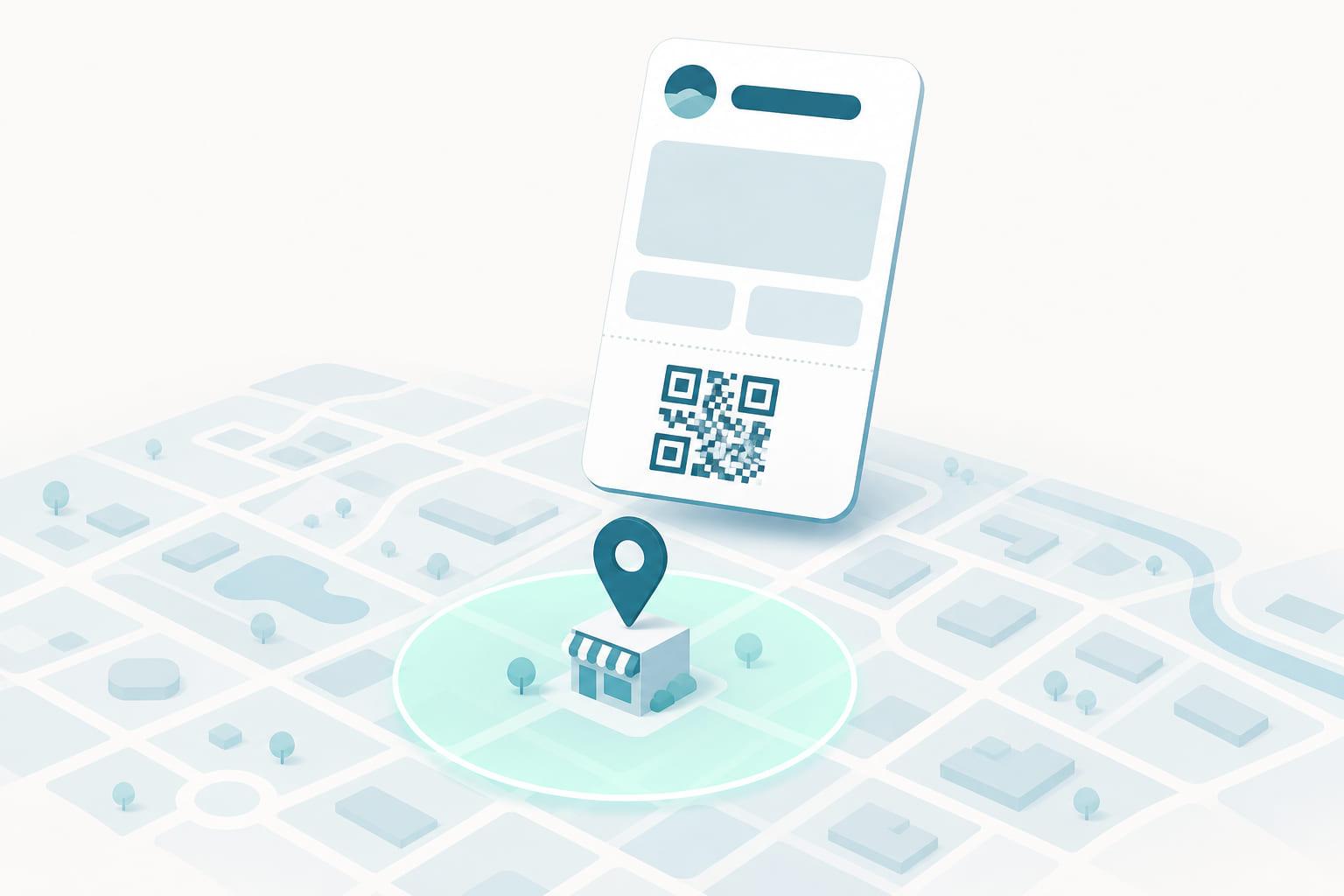
Time and location relevance bring the ticket to the lock screen as the event approaches and the holder arrives at the venue.
Tap or scan at the door
Validation marks the ticket used, so a screenshot does not get a second person through the same door.
Counted, then archived
Check-ins feed a live view of arrivals and per-door counts. After the event the ticket expires and archives itself.
What every field is doing
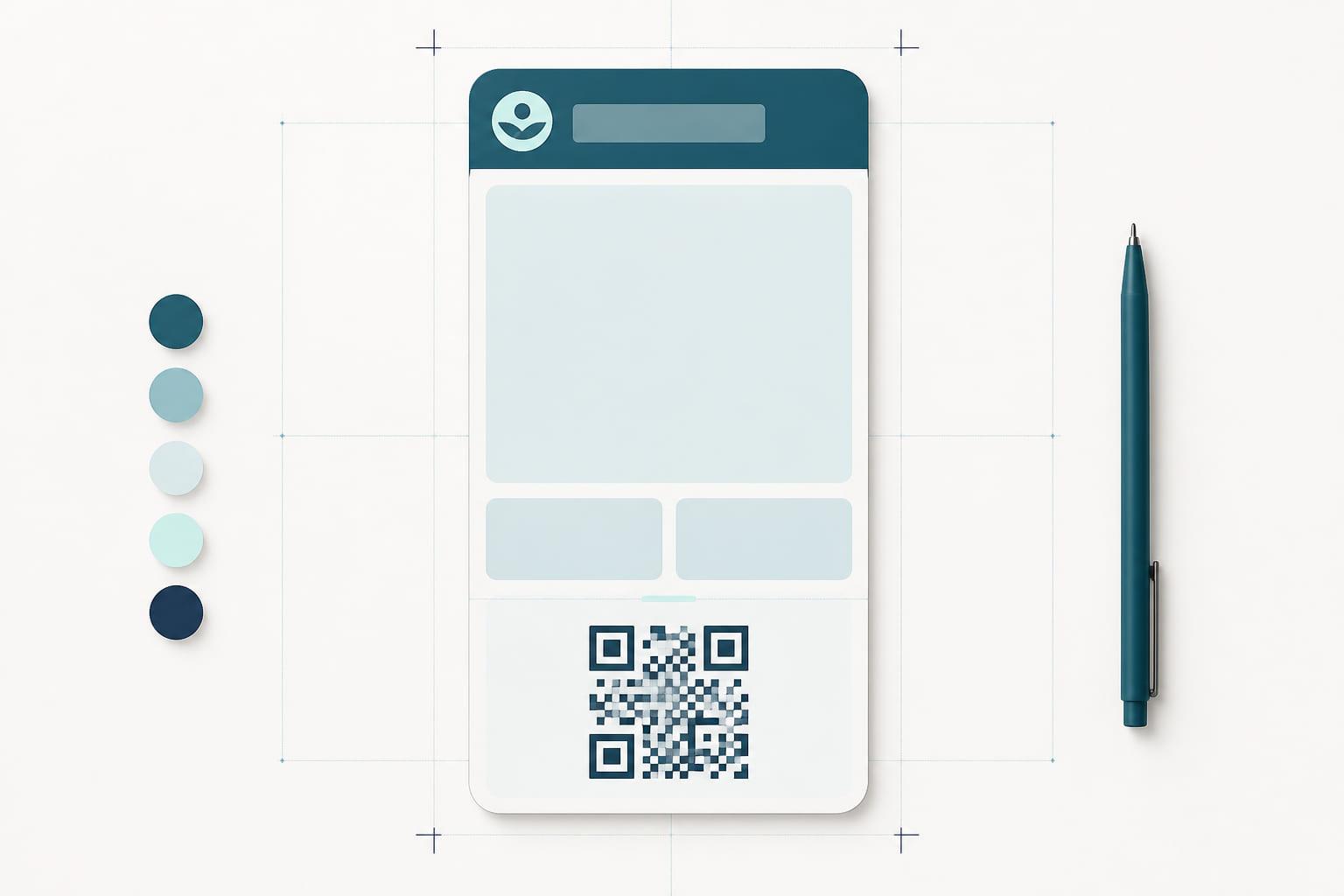
The pass shown here is one example. A wallet pass has room for a handful of fields, and the template decides which of them carries what, so treat this as a starting point rather than a rule.
SeatRow 4 · 12Example layout
The event
Logo text and artwork. On Apple Wallet, event tickets can use the full-screen poster layout, so the artwork is the ticket rather than a header on it.
Seat
Row and seat in the header field, which is what the holder checks while standing in the queue.
Start time
The largest field on the face, because it is the one thing that decides whether the holder is early or late.
Ticket holder
A named ticket ties a seat to a person rather than to a screenshot, which is what makes a transfer policy enforceable.
Doors and venue
Door time and hall on one line, so the answer to the two most-asked questions is on the pass, not in an email.
Tap or scan at the door
Venues run both. The code is stored on the device, so admission works even where the entrance has no signal.
What it replaces
The wallet pass is not a nicer version of the old artifact. It is the same job, done by something that can be updated after it is handed over.
- Printed at home, or not printed at all
- Screenshotted and forwarded to someone else
- Still says the old start time after a change
- A queue at the door while people search an inbox
- On the phone from the moment it is bought
- Validated once, then marked used
- Time and door changes pushed to every holder
- A tap or a scan, and the door keeps moving
Who runs this pass
The same pass type, shaped by what happens at the counter.
Venues and festivals
Doors that keep moving, a live arrival count for the production team, and a lock-screen message when the set times change.
Conferences
Badge collection is a scan of the pass the attendee already holds, and a schedule change reaches every delegate without an event app.
Attractions and tours
Timed entry that admits with a tap and expires by itself when the slot has passed, so nobody arrives with a ticket from last season.
The pass is also the channel
Engage, Stell's messaging module, sends through the pass the customer already carries. No app install, no rented inbox.
The message before the doors
A scheduled campaign in Engage reaches ticket holders on the morning of the event, on the lock screen, with no app to have installed.
Segments of holders
Build a segment from wallet type or the tags and attributes on the contact, and see the estimated reach before anything sends.
Operational changes are not campaigns
A door or time change is a pass update rather than a marketing message: it lands on the ticket itself and can carry a change message.
Event tickets, answered
- Do attendees need an app to use a wallet ticket?
- No. Tickets are added to Apple Wallet or Google Wallet from a link in the order confirmation, in one tap.
- How are wallet tickets checked at the entrance?
- By NFC tap or by scanning the QR code or barcode on the ticket. Validation marks the ticket as used.
- What happens if the event time or venue changes?
- The change is pushed to every issued ticket in seconds and can appear as a notification on the holder's lock screen.
- Can organizers see check-ins as they happen?
- Yes. Taps at the door feed a live view of arrivals, the guest list, and per-door counts, with repeat taps flagged for staff. Guests whose pass cannot be read can be checked in manually, and the guest list exports after the event.
- Can a ticket be stopped from being passed around?
- Yes. Account binding ties an NFC ticket to the holder's own wallet account, so it cannot be handed on and a screenshot is worth nothing at the door. It is set per program, so transferable tickets stay transferable.
- Can one buyer hold tickets for a whole group?
- Yes. Each seat is its own ticket, added from the same confirmation page or email, and the buyer can add them all to their own wallet or forward a link to each guest.
- Does a wallet ticket work if the venue has no signal?
- Yes. The ticket and its code are stored on the device, so it can be presented and scanned with no connection at the door.

A number for your program.
Tell us what you issue and where it is scanned. A specialist replies with a quote, what it covers, and the integration work we take on.
- Apple Wallet and Google Wallet included
- NFC and QR/barcode identification, both first-class
- Terminal and loyalty-platform integration done by us
Prefer to see it first? Book a demo instead.