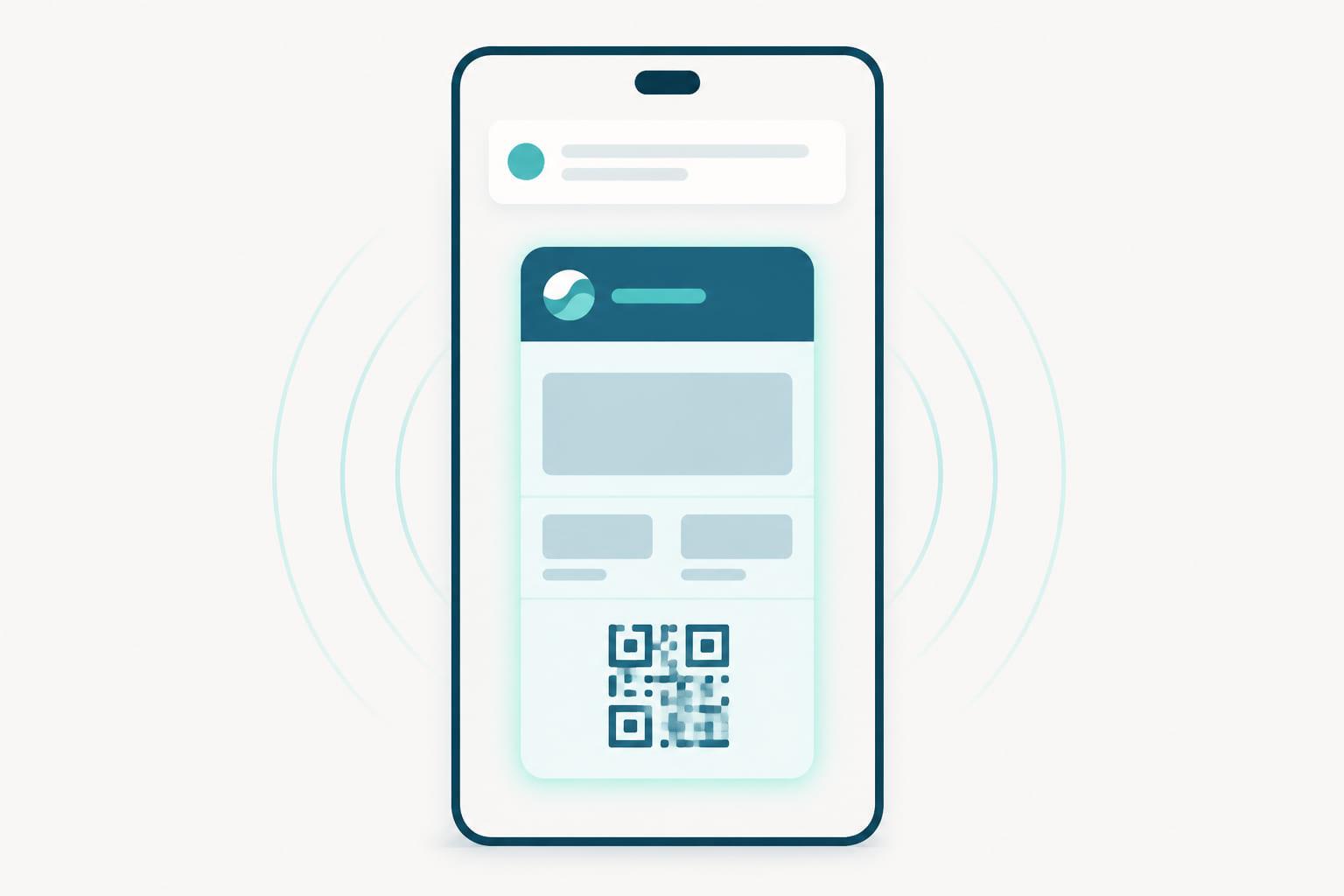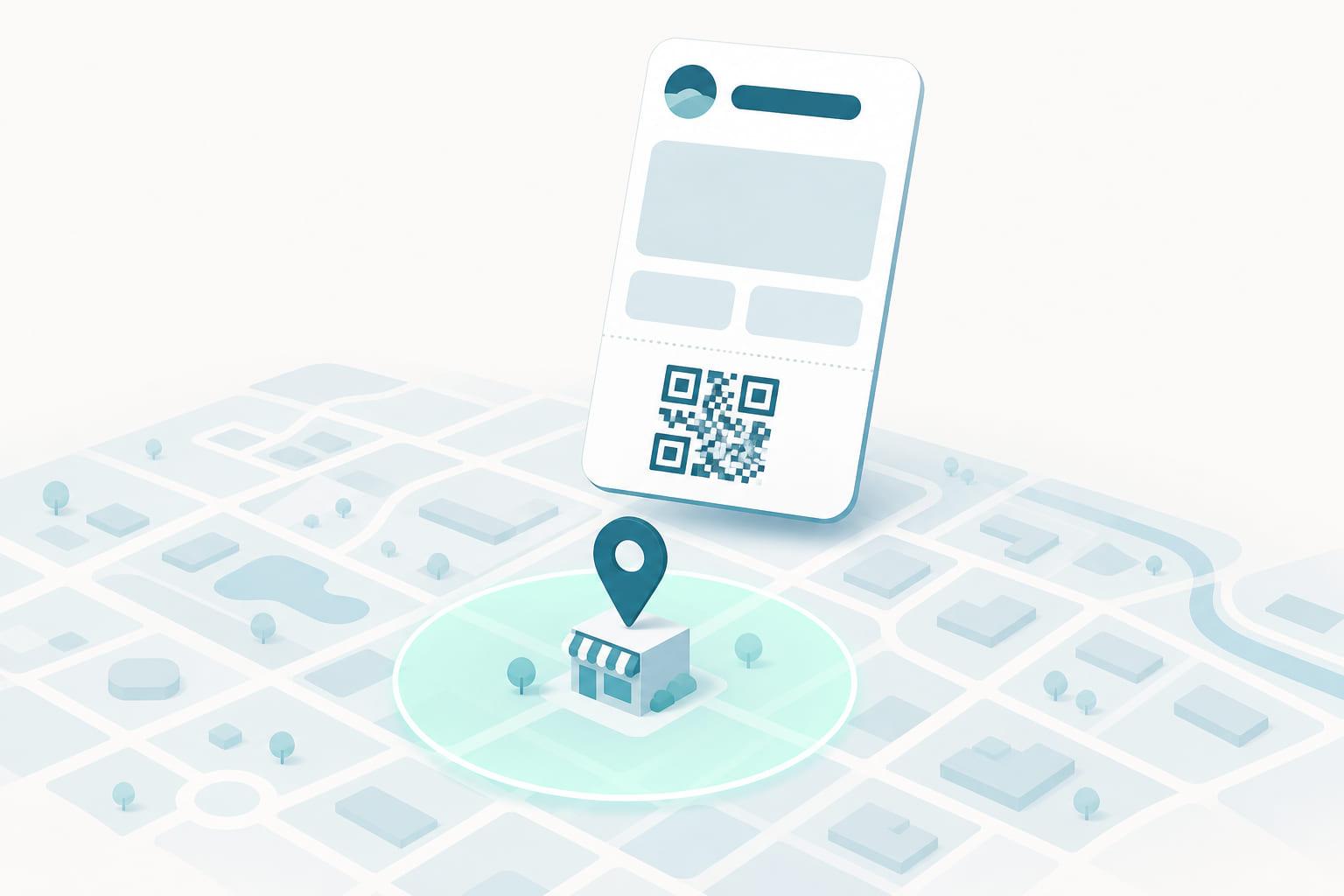
A customer walks toward your store. Before they reach the door, their loyalty pass is already on the lock screen, one tap from being ready at the till. Nobody opened an app, nobody searched a wallet, and nobody sent a message. That is geofencing on a wallet pass, and it is one of the quietest, most useful things a pass can do.
What geofencing on a pass actually is
Every wallet pass can carry a set of locations: coordinates for the stores, gyms, or venues where the pass is useful. The wallet app on the phone watches for those locations. When the customer comes near one, the wallet surfaces the pass on the lock screen with a short line of text, something like "Your membership pass is ready."
The important word is surfaces. This is not a push notification. It does not buzz, it does not interrupt, and it does not land in the notification list demanding to be cleared. It is a suggestion that appears when the pass is relevant and disappears when it is not. That restraint is exactly why it works: customers experience it as the phone being helpful, not as a brand being loud.
How it works under the hood
The locations travel inside the pass itself. When a pass is issued or updated, it includes the coordinates where it matters, and the wallet handles everything from there, on the device.
That design has three consequences worth understanding:
- It works offline. The phone does not ask a server whether the customer is near a store. The comparison happens locally, so the pass surfaces even with no connection.
- It is private by default. The issuer never learns where the customer is. The phone knows the locations on the pass and keeps the matching to itself. Nothing about the customer's movements leaves the device.
- It costs nothing per event. There is no message being sent, so there is no per-message fee and no campaign to schedule. Set the locations once and the behavior runs for the life of the pass.
Both major wallets support location relevance, with platform-specific limits on how many locations a single pass can carry and how the suggestion is presented. Indoors, where GPS is weak, Apple Wallet passes can also respond to Bluetooth beacons, which brings the same behavior down to the scale of a single counter or entrance.
What geofencing is good for
The pattern is simple: put the pass in the customer's hand at the moment they can use it.
- Retail and grocery: the loyalty pass appears as the customer approaches the store, so identification at the till is a tap instead of a search.
- Gyms and clubs: the membership pass is on the lock screen at the entrance, right when the customer needs to check in.
- Events and venues: the ticket surfaces on arrival, when the queue is exactly where fumbling for a barcode hurts most.
- Coupons and offers: an offer that surfaces outside the store is a nudge at the one moment it can change a decision.
In every case the value is the same: the pass removes the step where the customer has to remember the program exists. Loyalty programs rarely fail because members dislike them. They fail because members forget them at the till. Geofencing attacks exactly that failure, silently, on every visit.
What geofencing is not
It helps to be precise about the limits, because the feature is often oversold.
It is not tracking. The issuer gets no location data, no footfall analytics, and no record of who walked past. If you need to know a customer visited, that signal comes from the till, when the pass is scanned or tapped, not from the geofence.
It is not a guaranteed impression. The wallet decides when and whether to show the suggestion, and customers control it in their settings. Treat it as a free lift at the right moment, not as a channel you can schedule against.
And it is not a replacement for real messaging. When you have something to say, a points update, an expiring offer, a tier change, the pass has an actual notification channel for that: updates to the pass can carry a message to the lock screen. Geofencing and pass updates are two different tools, and good programs use both.
Getting it right
A few practical rules from programs that use location relevance well:
- Set locations for every place the pass works. A pass that only knows the flagship store is invisible at the other twelve.
- Keep the relevance text short and useful. "Your pass is ready" beats a slogan. The lock screen is a place for utility, not copy.
- Keep locations current. Stores open, move, and close. Because passes update themselves, changing the locations on an issued pass reaches every wallet it lives in, no reissue required.
- Pair it with the till. The geofence gets the pass onto the lock screen; NFC tap or QR/barcode scan finishes the job. The two together are what make identification feel instant.
Keeping locations true as the estate changes
The mechanics above are the wallet's job. Keeping them true across a real program is not, and this is where geofencing quietly becomes lifecycle work.
Your store list changes. Apple and Google impose different location limits and formats, so the same set of stores has to be expressed correctly for each wallet. And every change must reach passes that were issued months ago, not just the ones you issue tomorrow. That is the test to put to any pass platform, including ours: when you open store thirteen, does one update put it on every pass you have ever issued, or does it only apply to passes issued from that day forward?
The short version
- Geofencing lets a wallet pass surface on the lock screen near the places it is useful.
- The matching happens on the device: it works offline, costs nothing per event, and shares no location data with the issuer.
- It is a suggestion, not a notification, and that is why customers tolerate it for years.
- Its job is to remove the "find your pass" step at exactly the moment the pass is needed.
- Keeping locations current on passes issued months ago is the platform's job, not the wallet's.