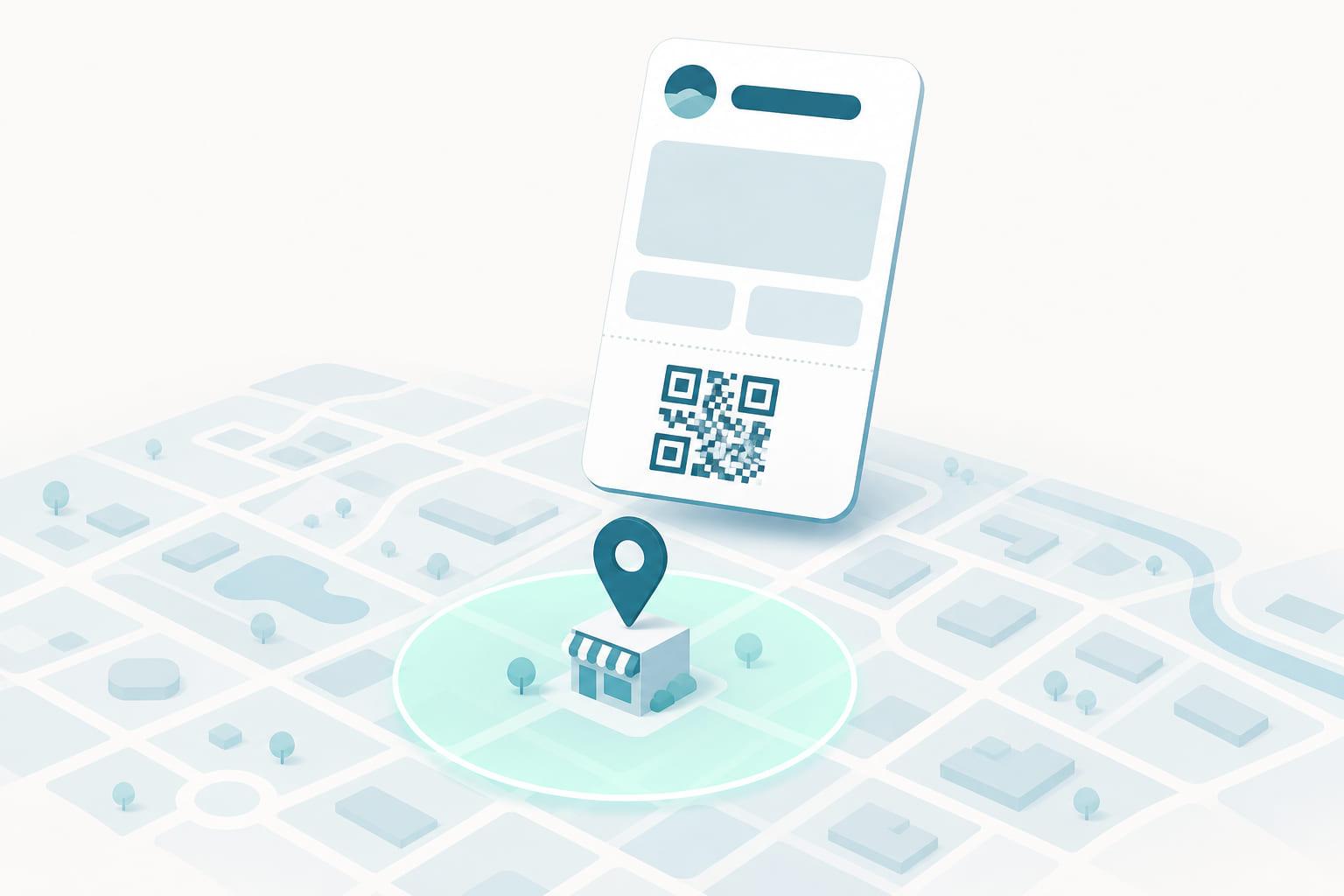
Geofencing gets a wallet pass onto the lock screen when the customer approaches the building. But a geofence is a blunt instrument: GPS is accurate to tens of meters outdoors and barely works indoors at all. It can tell that a customer is near the store. It cannot tell that they just walked up to the membership desk, reached the boarding gate, or stopped at the counter where the pass is actually used.
That last stretch, from the front door to the exact spot where the pass matters, is what iBeacons are for.
What an iBeacon is
An iBeacon is a small Bluetooth Low Energy transmitter, usually battery powered and about the size of a matchbox, that broadcasts a simple identifier a few times a second. It sends nothing else: no data, no messages, no internet connection. It is a lighthouse, not a radio station.
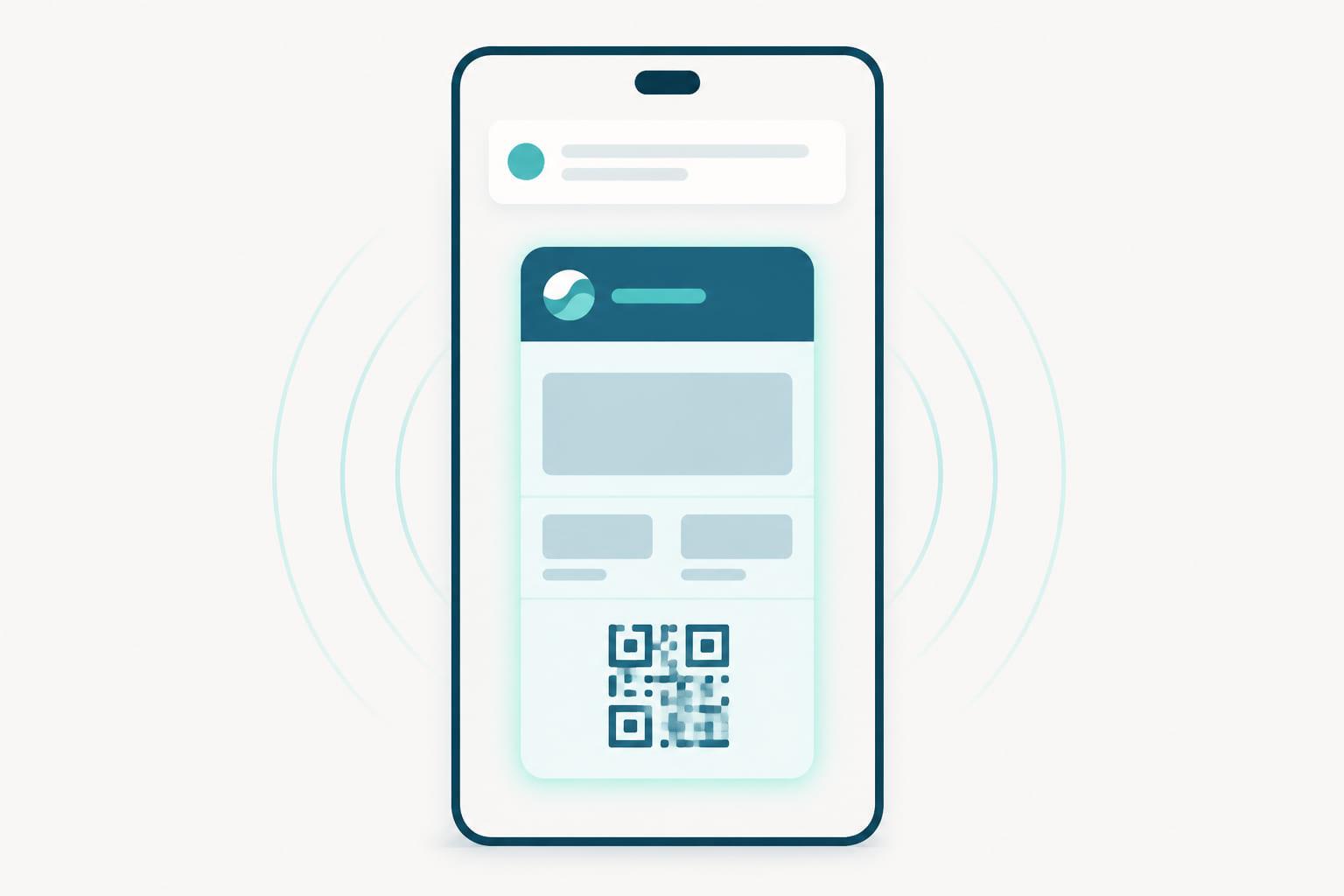
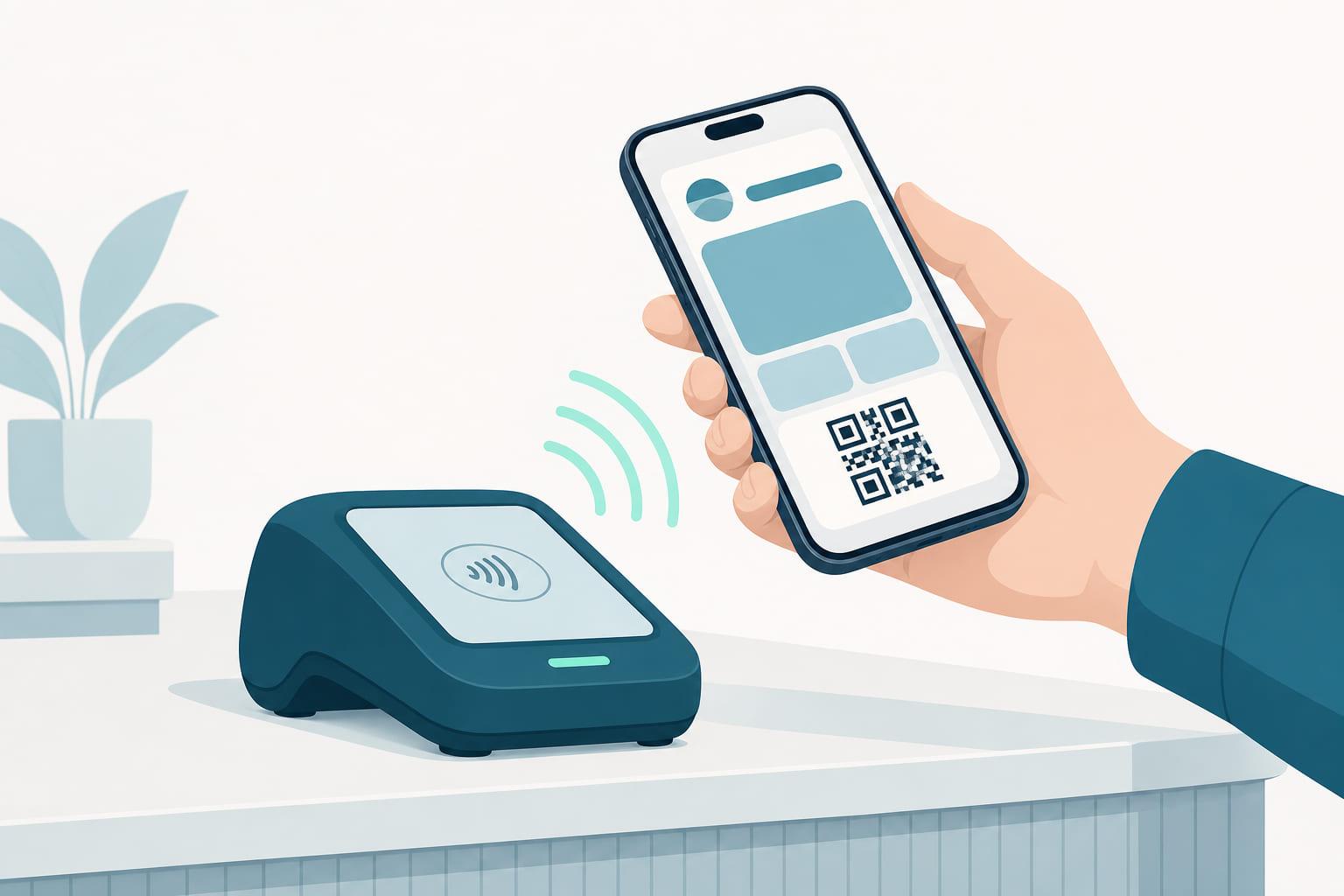
A wallet pass can carry the identifiers of the beacons that matter to it. When the phone hears one of those identifiers nearby, the wallet surfaces the pass on the lock screen with a short line of text, exactly the way a geofenced pass appears near a store. The difference is precision: a beacon's radius is meters, not city blocks, and it works perfectly indoors, in basements, and in concrete buildings where GPS gives up.
Beacon relevance is an Apple Wallet capability. Google Wallet passes handle location through geofences only, which is one more reason to treat beacons as a sharpening of location relevance rather than a replacement for it.
How it works under the hood
Each beacon broadcasts an identifier in three parts: a UUID that typically identifies the organization, and two numbers (major and minor) that narrow it down, conventionally to a site and a spot within it. One entrance, one counter, one gate, each its own identifier.
The pass lists the identifiers it should respond to, and each entry can carry its own lock-screen text. That means a single pass can say "Ready to check in" at the entrance and "Show this pass to board" at the gate, because the phone knows which beacon it is hearing.
Everything else works like geofencing, and for the same reasons:
- The matching happens on the device. The phone hears the broadcast and checks it against the passes in the wallet. No server is involved, so it works with no connection at all.
- It is private by default. Beacons transmit; they do not listen. The issuer learns nothing about who walked past, and nothing about the customer's movements leaves the phone.
- It costs nothing per event. There is no message being sent. Install the beacon, put its identifier on the pass, and the behavior runs for the life of both.
Where beacons earn their keep
Beacons are worth the hardware wherever the useful moment is a spot, not a neighborhood:
- The till or service counter: the loyalty pass surfaces at the exact place it will be scanned or tapped, not somewhere in the car park.
- Gym and club entrances: the membership pass is on the lock screen at the turnstile, indoors, where a geofence is least reliable.
- Venues and events: gates, halls, and stands can each carry their own beacon, so the ticket appears with text that matches where the holder is standing.
- Multi-tenant buildings: a shop inside a mall cannot geofence itself without catching the whole complex. A beacon draws the boundary at its own doorway.
The pattern is the same as geofencing, sharpened: remove the "find your pass" step at exactly the moment and exactly the place the pass is needed.
Consider what this does to a busy gym entrance at seven in the morning. Without relevance, every member unlocks the phone, finds the wallet, and searches for the pass while the queue builds behind them. With a beacon at the turnstile, the pass is on the lock screen before the member reaches the reader, and check-in becomes the tap it was always supposed to be. Multiply that saved fumble by every visit, every member, every day, and a matchbox of hardware starts to look like one of the cheapest experience upgrades available.
What beacons are not
The honest limits, because beacon marketing has historically promised too much.
They are not tracking. A beacon cannot see phones, count visitors, or report who came near. If you need proof of a visit, that signal still comes from the till, when the pass is scanned or tapped.
They are not a messaging channel. A beacon cannot push content, coupons, or ads to phones. All it can do is make a pass the customer already holds appear at the right moment. Anything more requires the pass's own update channel, which can carry a message to the lock screen when something on the pass changes.
And they are not free of upkeep. Beacons are physical hardware with batteries that drain and mounting spots that change. A dead beacon fails silently: the pass simply stops appearing. Programs that rely on beacons put battery checks on the maintenance calendar.
Getting it right
- Start with the geofence, add beacons where it falls short. The geofence covers the approach; beacons cover indoor and precise moments. The two run side by side on the same pass.
- Give each spot its own identifier and its own text. "Show this pass to board" at the gate beats one generic line everywhere.
- Place beacons where the action is. At the counter, at the turnstile, at the gate. Coverage of the whole floor is the geofence's job, not the beacon's.
- Update passes, not hardware, when things change. Because passes update themselves, swapping a beacon or changing its text reaches every issued pass without touching a single phone.
Keeping beacons true as the venue changes
That last rule is the important one, and it is where the work stops being about hardware. Beacon identifiers, like locations, live on the pass, which means every layout change, replaced beacon, or reworded lock-screen line has to reach passes issued long ago, across a program that keeps growing.
The standard to hold a pass platform to is this: rearrange the venue on Thursday, and every ticket already in a wallet should know the new layout by Friday, with no reissue and nothing asked of the holder. The beacon is a piece of hardware. Making it useful at scale is lifecycle management, and it is the half that outlasts the installation.
The short version
- An iBeacon is a small Bluetooth transmitter that lets an Apple Wallet pass surface on the lock screen within a few meters of a specific spot, indoors included.
- The matching happens on the device: offline, private, and free per event, just like geofencing.
- Each beacon can trigger its own lock-screen text, so one pass can say the right thing at the entrance, the counter, and the gate.
- Beacons broadcast only; they cannot track customers or push messages. Proof of a visit still comes from the scan or tap at the till.
- Beacon identifiers live on the pass, so replacing hardware is a platform update rather than a reissue.