You have used a wallet pass, even if you never called it that: the boarding pass you scanned at the gate, the concert ticket that appeared on your lock screen, the coffee card you tap at the counter. A wallet pass is a digital object that lives in the wallet app that ships with every phone (Apple Wallet on iPhone, Google Wallet on Android) and represents something you hold: a membership, a ticket, a coupon, a gift balance.
That sounds modest. What makes passes interesting is everything a plastic card or a PDF cannot do.
How a pass actually works
A pass is not a picture of a card. It is a small structured document, made of fields, colors, and a barcode or NFC payload, that the wallet app renders natively. Because the wallet renders it, the pass inherits the platform: it shows up with a double-click of the side button, appears on the lock screen when it is relevant, and works offline.
Crucially, a pass stays connected to whoever issued it. When the issuer changes something (a points balance, a tier, an offer), the pass updates in the customer's wallet on its own, usually within seconds. Nobody reinstalls anything; the object in the pocket is simply always current. Passes can also carry a short message to the lock screen when they update, which gives the issuer a notification channel with no app behind it.
Under the hood, the two wallets get there differently. Apple Wallet passes are signed files that register with a web service and receive push updates; Google Wallet passes are objects in Google's cloud that the issuer updates through an API. The customer never sees this difference, but the issuer does.
| Apple Wallet | Google Wallet | |
|---|---|---|
| What the pass is | A signed bundle stored on the device | An object stored in Google's cloud |
| Identity behind it | A pass type identifier and certificate on an Apple Developer account | An issuer account and service credentials |
| How it is delivered | A signed pass file, usually behind a link | A signed save link the wallet resolves |
| How it updates | The issuer pings the device, which fetches the new pass | The issuer writes the new values through the API |
| How it identifies at a terminal | Apple VAS, plus QR or barcode | Google Smart Tap, plus QR or barcode |
| Who holds the keys | Whoever owns the developer account | Whoever owns the issuer account |
Two platforms, two formats, two update mechanisms, one program. This is exactly the kind of plumbing a wallet pass platform exists to absorb, so that the issuer works with one pass and one API while both wallets stay in sync. The last row of that table is the one most teams read too late: the account the passes are registered under decides how easily the program can move to another provider later.
What is inside a pass
Open any pass and the anatomy is the same, which is why passes are quick to design and unforgiving to design badly.
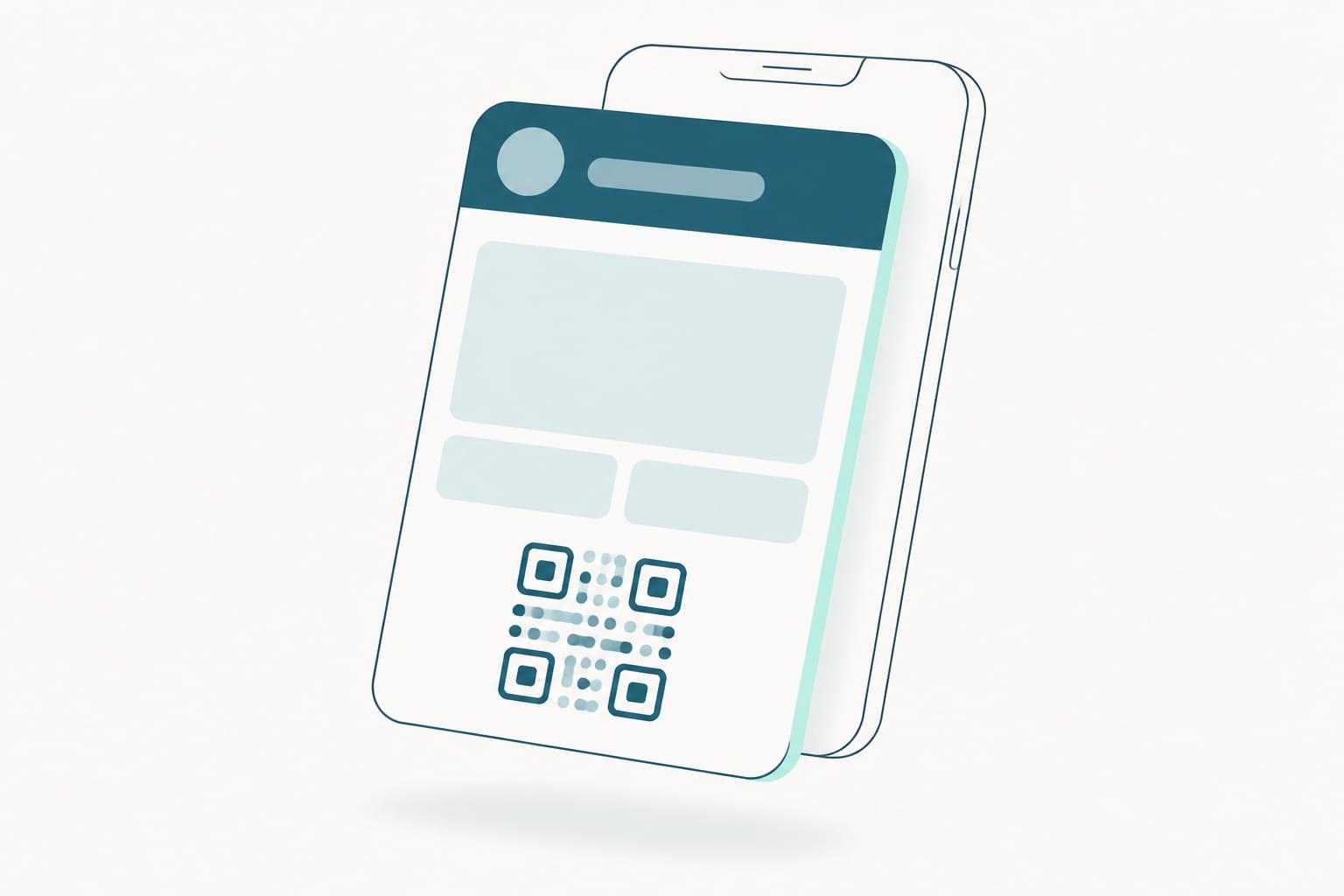
- The front, which is what the customer sees at a glance: a logo, a background color, a handful of fields, and the barcode area. The field count is deliberately small, so the front should carry state that changes (points, stamps, tier, next reward) rather than static marketing.
- The back, reached by flipping the pass, which holds everything else: terms, contact details, program rules, a link to the account, an unsubscribe route. There is room here, and no reason to crowd the front instead.
- The machine-readable part: a QR code, a barcode, or an NFC payload that carries the member reference to the till.
- The relevance rules: locations or times that let the operating system surface the pass on the lock screen when it is useful, without the issuer sending anything.
- The semantics: an optional layer that tells the phone what a field means rather than only what it says, which is what lets the system act on a pass intelligently.
The distinction between the front and the back is the single most useful design rule, and it is covered properly in wallet pass design. The semantic layer, which almost every pass in the wild ships without, is covered in semantic tags on wallet passes.
What passes are used for
The same mechanics support several shapes of program:
| Pass type | What it represents | Why the pass form helps |
|---|---|---|
| Loyalty | Member number, points, tier | Balance is always current, member is identified at the till |
| Stamp cards | Progress toward a reward | Progress is visible without asking staff |
| Memberships | Status and entitlements | Expiry and tier stay true without reissuing anything |
| Coupons and offers | A redeemable offer | Expiry and terms can change after issuance |
| Gift cards | Stored value | The customer sees the balance without asking |
| Event tickets | Entry to an event | Time and gate changes reach every holder at once |
| Employee passes | Staff benefits | Benefits update centrally and end the day someone leaves |
Loyalty is where passes work hardest, because loyalty is a long relationship and the pass is a channel that lasts as long as the wallet does. A ticket is over when the event is; a loyalty pass sits in the wallet for years, updating with every visit, carrying every tier change, and reaching the lock screen whenever there is something worth saying. Which mechanic sits behind it, stamps, points or tiers, is a separate decision, and worth making before the pass is designed.
How customers get one
Joining is one tap on a link, whether it comes from a receipt, a poster QR code, an email, or checkout. There is no app to download and no account to create, which is why pass-based programs enroll the casual customers app-based programs lose. Every place that link can sit is a channel, and the practical inventory of them is in enrollment channels compared.
The moment right after payment is the one most programs miss. The customer has just bought something, the receipt is in their hand or their inbox, and joining costs one tap. Post-purchase enrollment turns that moment into membership: the customer who was about to walk out anonymous leaves with your pass in their wallet instead. It is the single highest-leverage placement for an enrollment link, and it only works because the pass makes joining instant.
How customers use one
At the moment of use, a pass identifies the customer in one of two first-class ways.
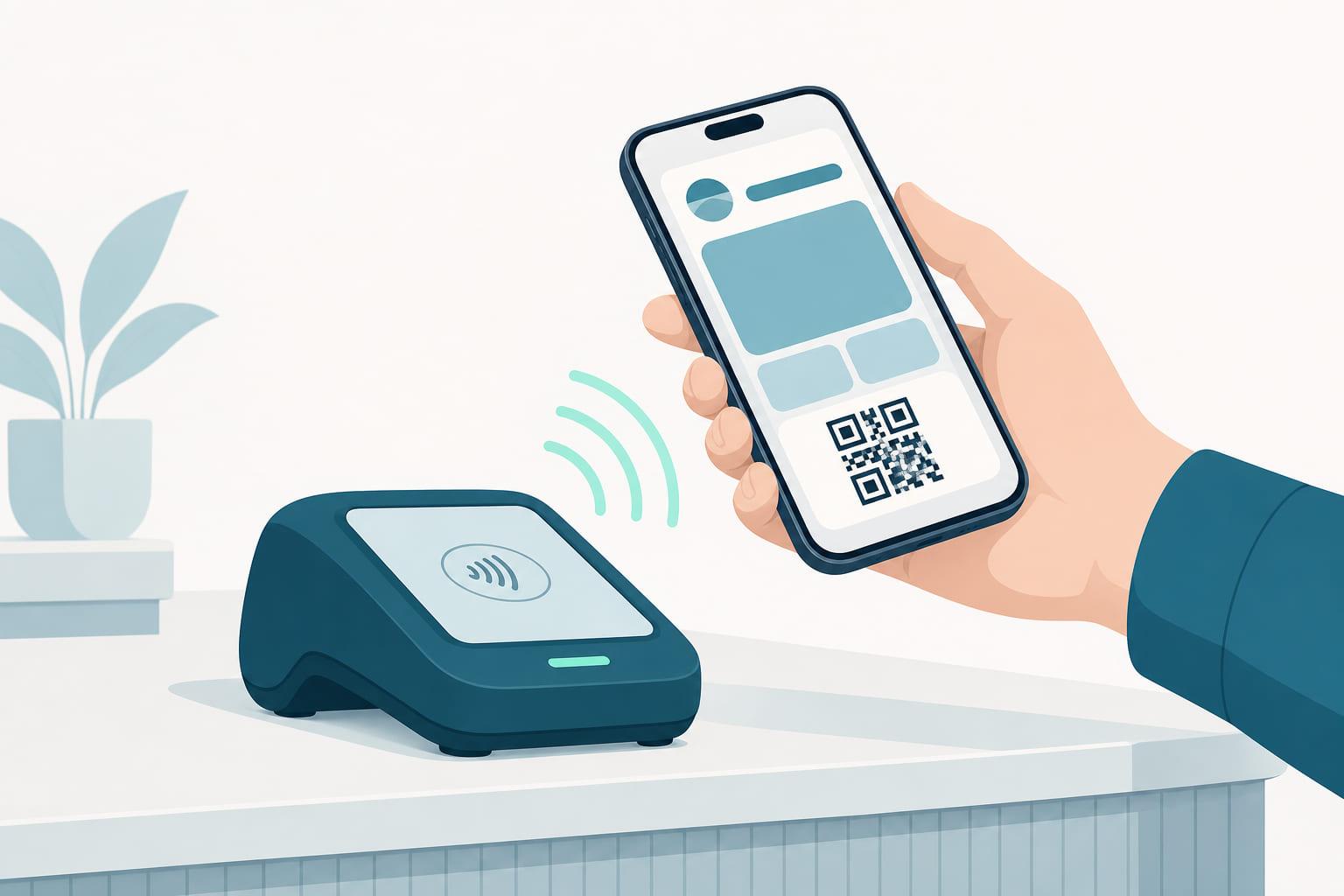
Where terminals support NFC, the pass is read in the same tap as the payment. Apple calls the mechanism VAS and Google calls it Smart Tap, and the practical effect is the same: one tap, and the till knows both who is paying and who is a member. This is the fastest flow available and it is covered end to end in how tap at the till works. Whether your hardware can do it is a question about the terminals themselves, which is what the reader directory is for.
Everywhere else, the pass shows a QR code or barcode that any ordinary scanner reads. This is not a lesser path. It works on hardware that is already installed, in any store, on any counter, and for many programs it is the right answer for years. The trade-offs between the two, and why most programs eventually run both, are laid out in QR, NFC, or both.
What happens after issuance
Issuing the pass is day one, and it is the easy half. The value is in every day after: keeping the pass connected to your CRM so balances stay true, pushing updates the moment something changes, messaging the lock screen at the right moments, and retiring passes cleanly when memberships end.
That loop has a shape, and it is worth knowing before you choose how to build: design, issue, use, update, engage, retire, described in what happens to a wallet pass after you issue it. Programs that treat the pass as a file to generate rather than a member relationship to run tend to fail in the same handful of ways, catalogued in why bad wallet pass implementations fail.
A pass that is issued and forgotten decays into a screenshot with extra steps. A pass that is managed stays correct, quietly, for years.
What a pass is not
A pass is not an app: there are no screens to navigate, no catalog to browse, no update cycle to maintain. It is not a payment card either; it sits next to those in the wallet, representing the relationship rather than the money. And it is not a static image: a screenshot of a barcode expires the moment anything changes, while a pass never goes stale.
It is also not a copy of your customer database. The pass carries a reference and whatever you chose to display, while the member record stays in your systems, which is what makes most of the privacy questions simpler than teams expect. That reasoning is worked through in wallet passes and GDPR.
Why this matters for brands
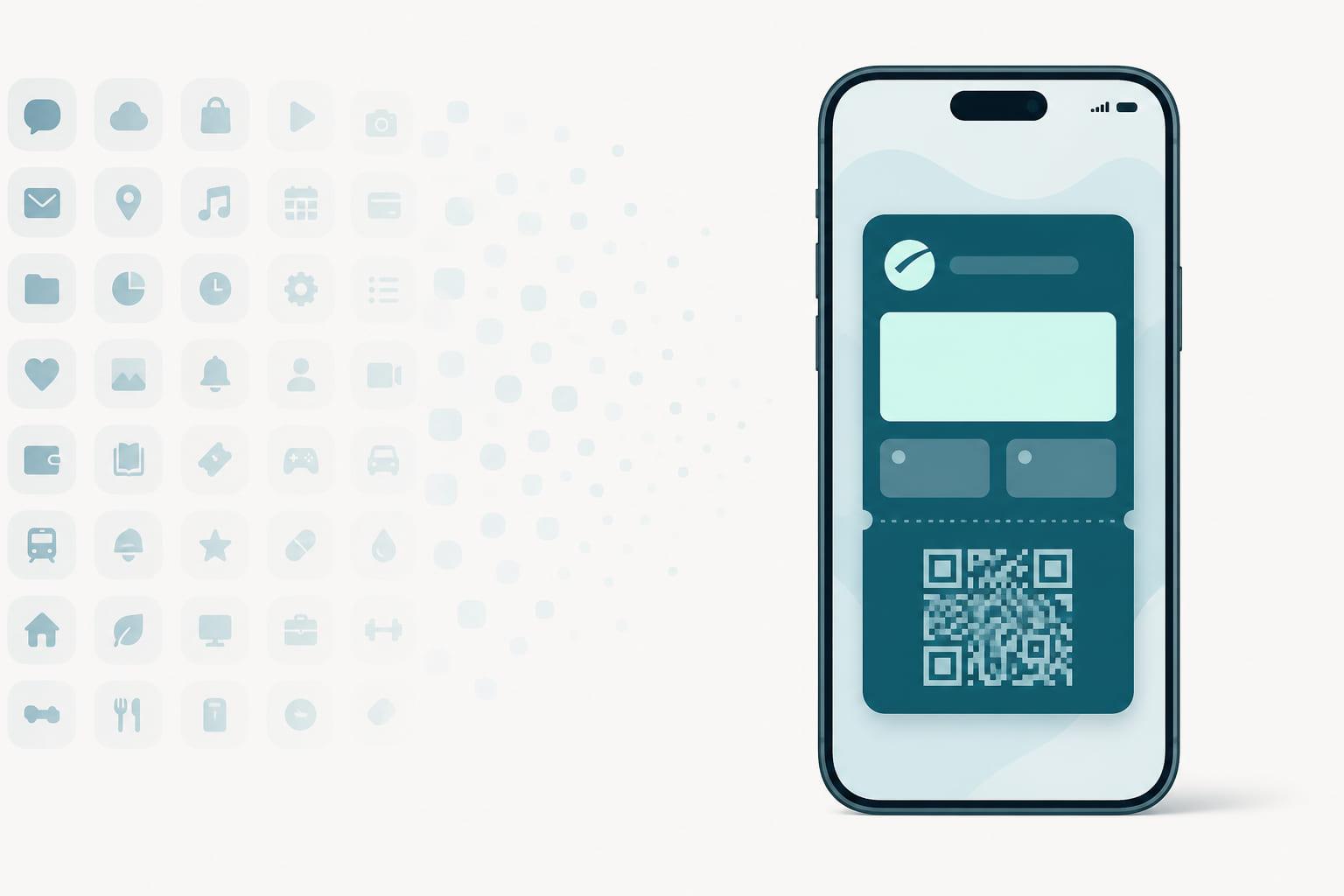
Put together, a pass gives a brand something rare: a persistent, updatable, native presence on the customer's phone with zero install friction. Enrollment is one tap, the object stays current for years, messages reach the lock screen without per-message fees, and identification at the till is as fast as a payment. That combination used to require building and maintaining an app. Now it requires issuing a pass, and the comparison against an app is no longer close for most loyalty programs.
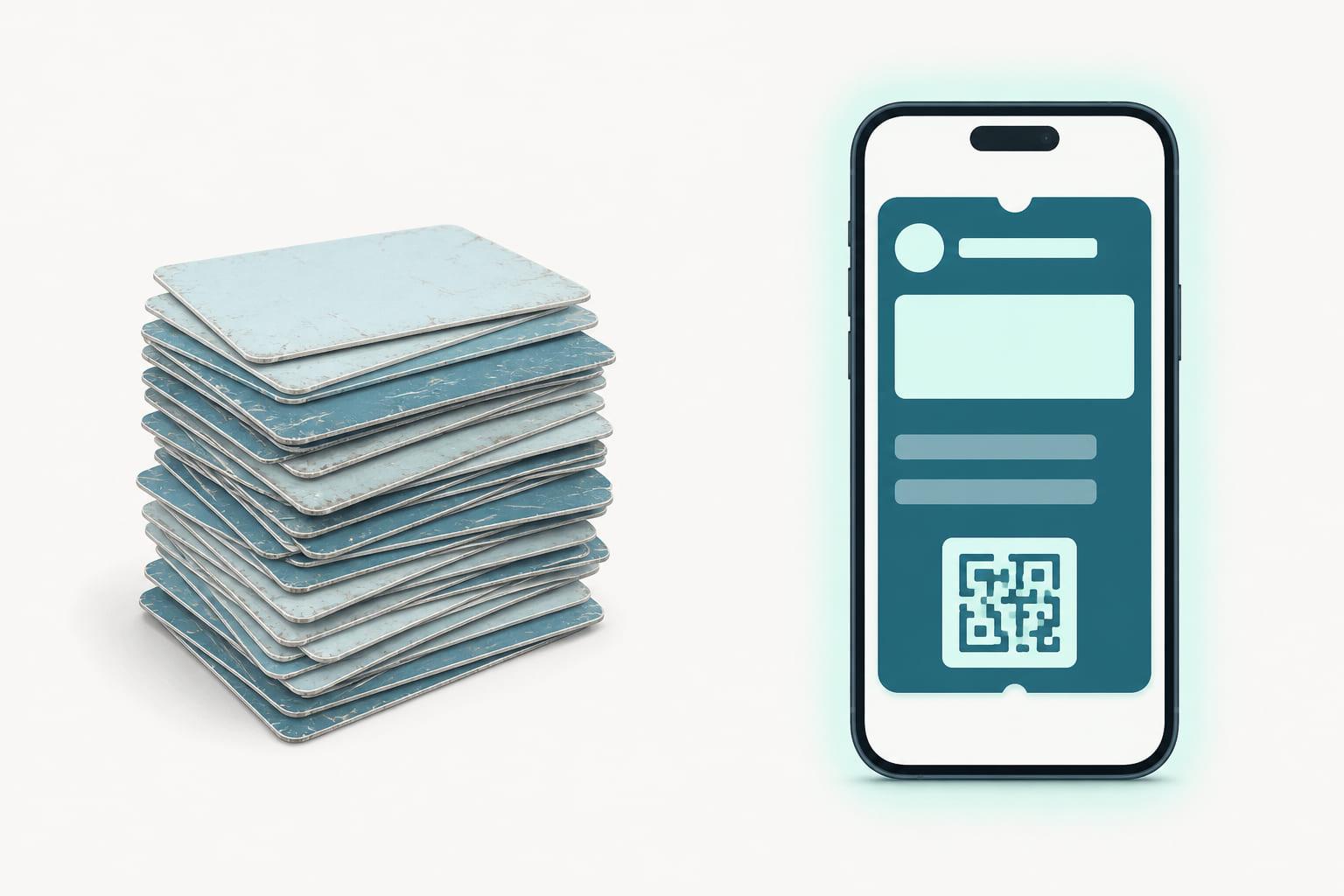
Against plastic, the case is different but just as clear: plastic worked because it was simple, and the pass keeps the simplicity while fixing the rest.
The short version
- A wallet pass is a live, structured object in Apple Wallet or Google Wallet, not a picture of a card.
- It updates itself, messages the lock screen, and works offline.
- Customers join with one tap and identify by NFC tap or QR/barcode scan, whichever the hardware supports.
- The front carries state, the back carries depth, and the account the pass is registered under decides who owns the program.
- For loyalty and membership, it delivers most of what brands wanted from an app, without the app.
Stell is the platform that issues and runs these passes across every wallet: Apple Wallet and Google Wallet today, and new wallets from the same platform as they are introduced. The signing, the updates, the CRM sync, the NFC certification, the lifecycle from enrollment to retirement: one portal, one API, every wallet. See how it works.