Every loyalty conversation eventually arrives at the same question: how do people actually get the pass? It sounds like a detail. It is the whole growth model. Rewards, tiers, and campaigns only work on members, and members only exist because some channel put a pass in their wallet.
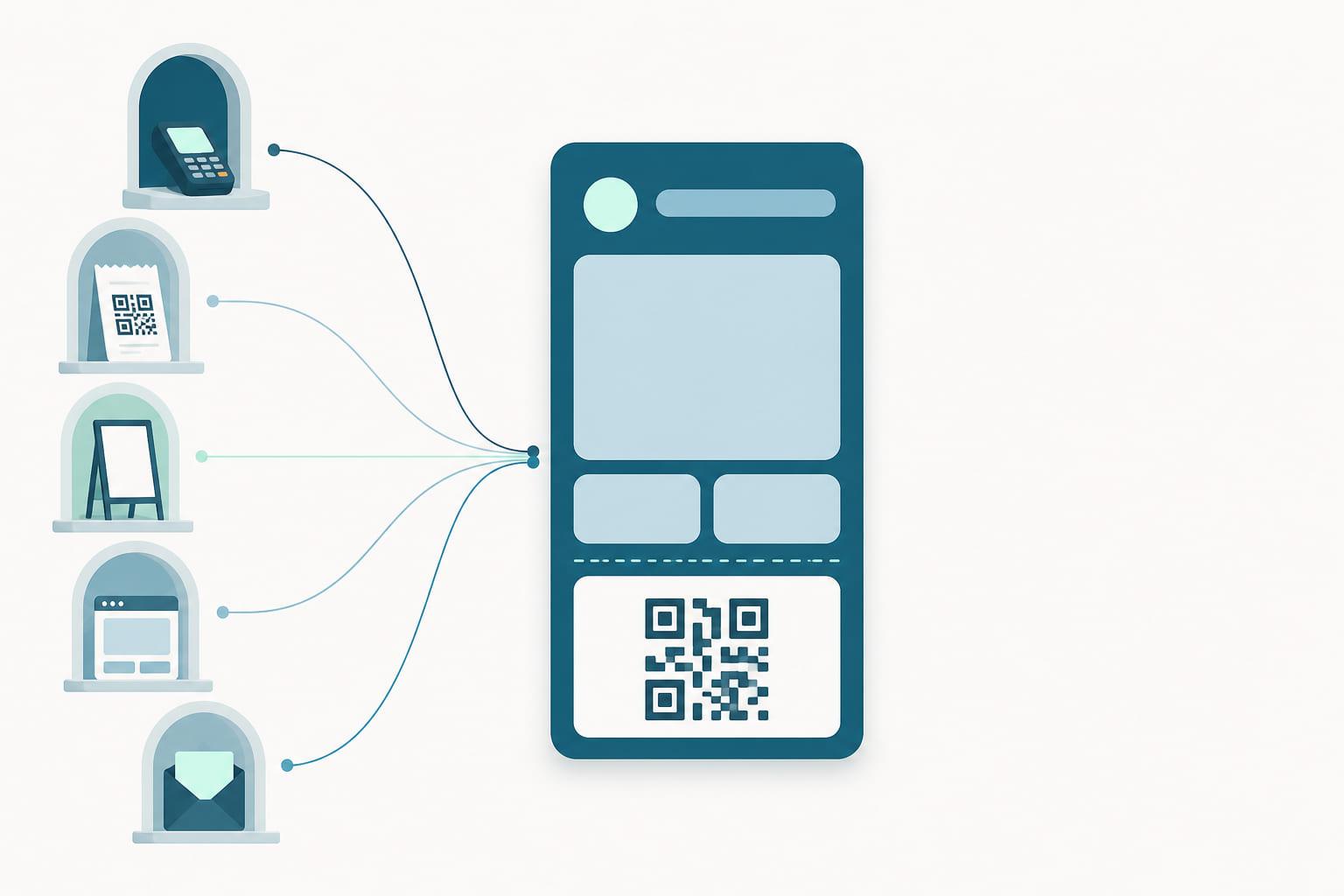
The good news is that a wallet pass is unusually easy to distribute. It is a link. Anything that can carry a link, a QR code, an email, a receipt, a terminal prompt, can be an enrollment channel. The craft is in knowing what each channel is for and running several at once.
The channels
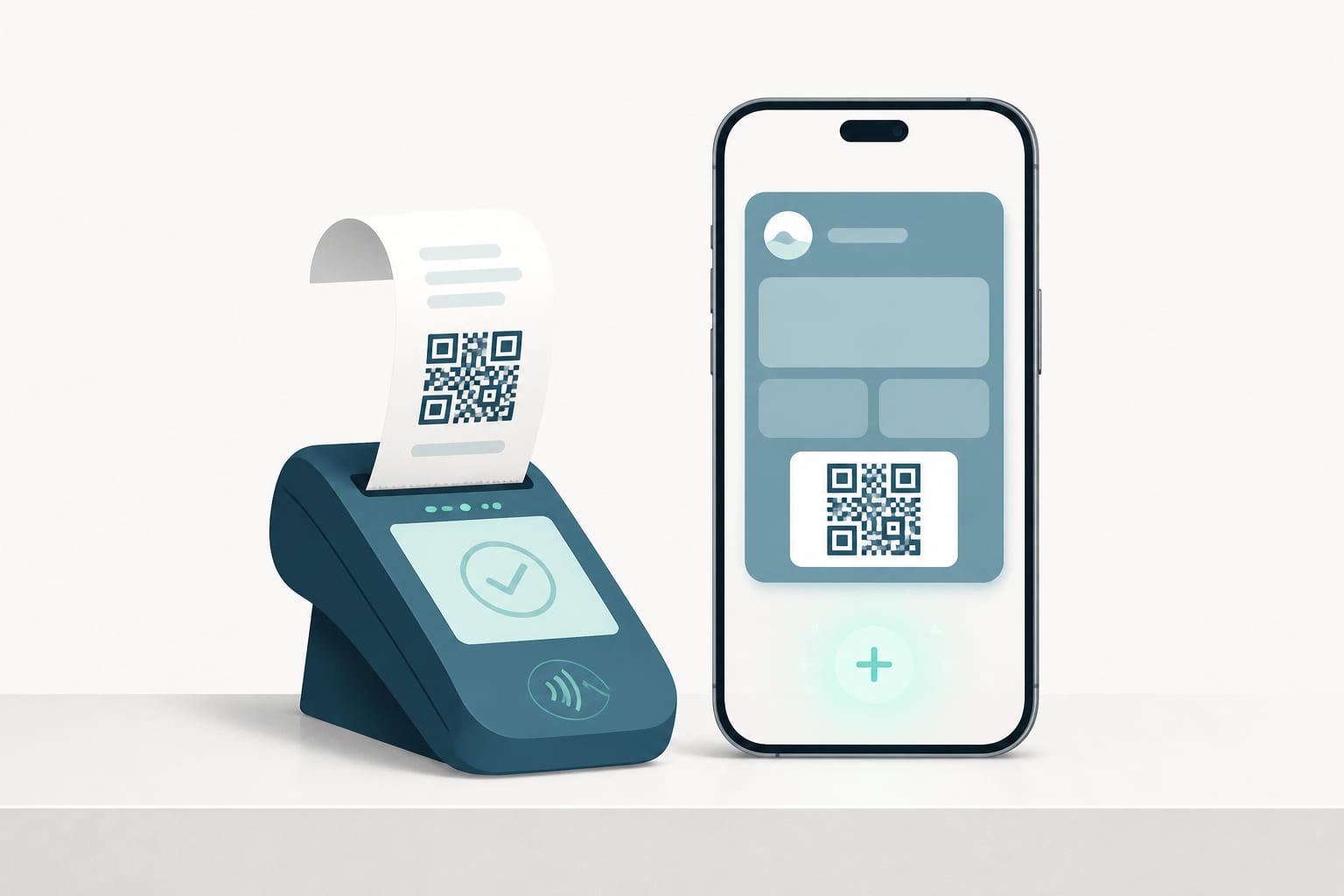
At the terminal, after payment. The customer has just paid, phone in hand, and the flow offers the pass on their own screen. This is the highest-intent moment in retail and the channel that scales with your busiest stores rather than against them. It reaches the people no other channel does: customers who never visit your website and never joined at a counter. We have written about why this moment works in its own right.
QR on the receipt. The humble version of the same idea. A code printed on every receipt, pointing at the enrollment link, turns each transaction into an invitation that the customer can act on in the queue, at the table, or at home. Slower than a terminal prompt, but it requires nothing beyond your receipt template.
In-store signage. A code at the till, on the door, on the shelf edge, on the fitting-room mirror. Signage enrolls the browser as well as the buyer, and it works in places the payment flow never reaches. Its weakness is that it competes with everything else in the store for attention, so placement and a single clear benefit line do most of the work.
The website and link in bio. The always-on channel. A join page, linked from navigation, campaigns, and social profiles, catches the customers actively looking for you. These are your most engaged people, which is exactly why this channel alone is not enough: it preaches to the converted.
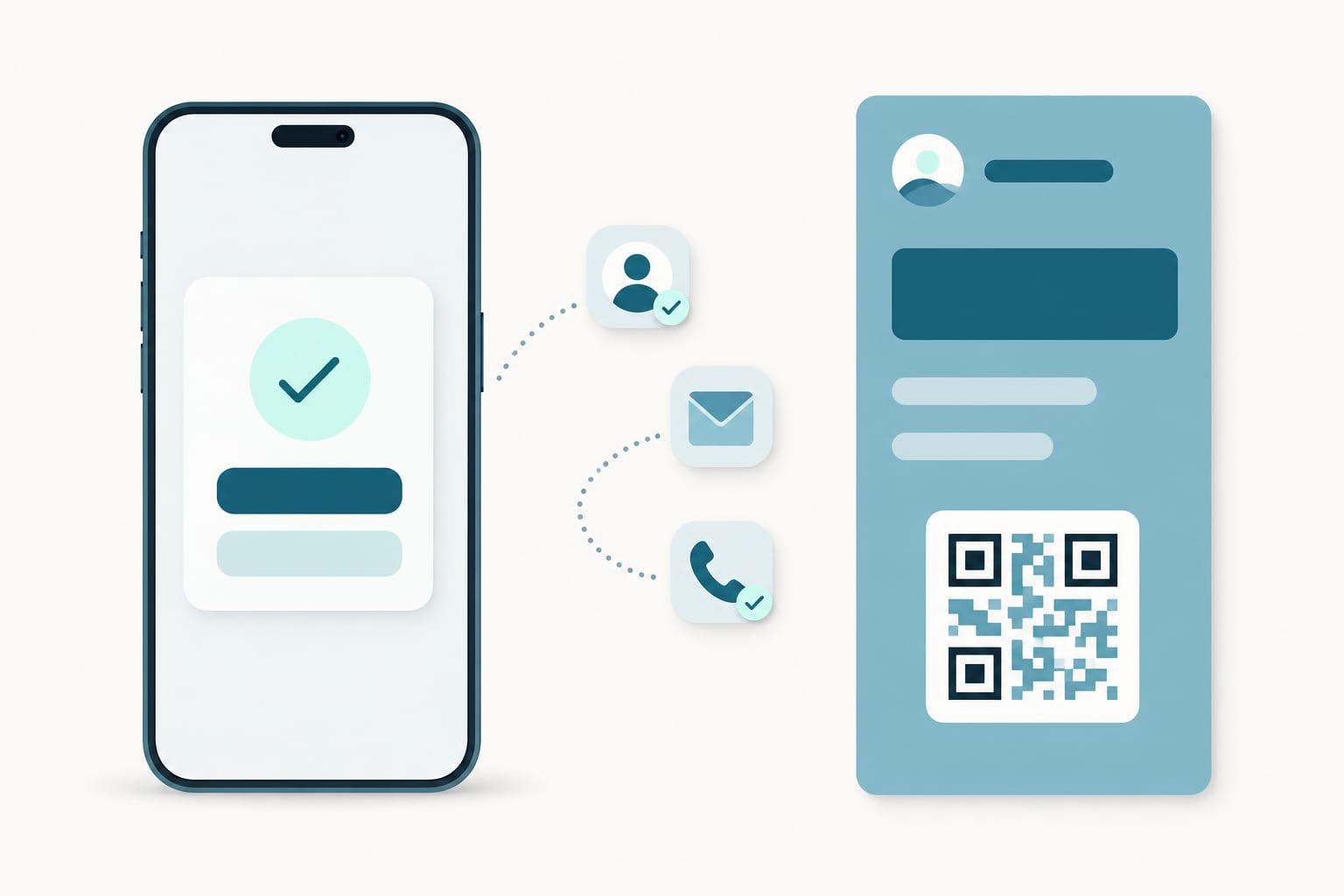
Email and SMS to existing contacts. If you already have a CRM full of members from a plastic-era or app-era program, this is the migration channel. One message with a personal link puts the pass they already earned into the wallet they already carry. No new signup, just a better home for an existing relationship.
Staff-assisted. A tablet at a counter, a code the staff member shows, a link sent on the spot. Right for considered environments, a gym front desk, a hotel reception, a showroom, where conversation is part of the experience and nobody is holding up a queue.
What every channel shares
However the customer arrives, the ending must be identical: a pass in the wallet, live and connected. The wallet does not care which door the member came through, and after enrollment neither should your program. That has two practical implications.
First, the landing must be short. Whatever the channel, the distance from scan or tap to pass in wallet should be one screen. Every field you add is a channel-independent tax on all of them. Ask for what the program needs to greet the member; enrich later, through the relationship the pass now carries. Where an identity provider is available, signing in with Vipps can shorten that screen to a single tap.
Second, the member must land in one place. Enrollment through six channels into six lists recreates the fragmentation the wallet was meant to end. Every channel should feed the same program and the same CRM record, with the channel itself captured as data, because where someone joined tells you something about who they are.
Stacking channels, reading the mix
Channels are not alternatives; they are a portfolio, and each one recruits a different slice of your audience. The terminal reaches buyers, signage reaches browsers, the website reaches seekers, email reaches your history. A program running only one channel is not choosing focus. It is choosing to grow at the speed of its narrowest door, and the channel mix is worth watching for what it teaches: a store where signage outperforms the terminal flow is telling you something about that store.
This is how Stell approaches enrollment. Distribution links can live anywhere, on a receipt, a poster, a webpage, in a campaign, or in the terminal flow itself, and every one of them delivers the same live pass into the same program, synced to the same CRM. The portal shows you where members come from, so the mix is a decision rather than an accident.
The program you have designed is ready. The question is how many doors it has. If the honest answer is one or two, a demo is a fast way to see what the rest would look like.