The plastic loyalty card earned its decades. It was cheap, it needed no explanation, and it worked at any till with a scanner. If your members always carried it, always found it, and never lost it, there would be little reason to change. The case for the wallet pass starts with the honest observation that none of those three things is true.
The card that is actually there
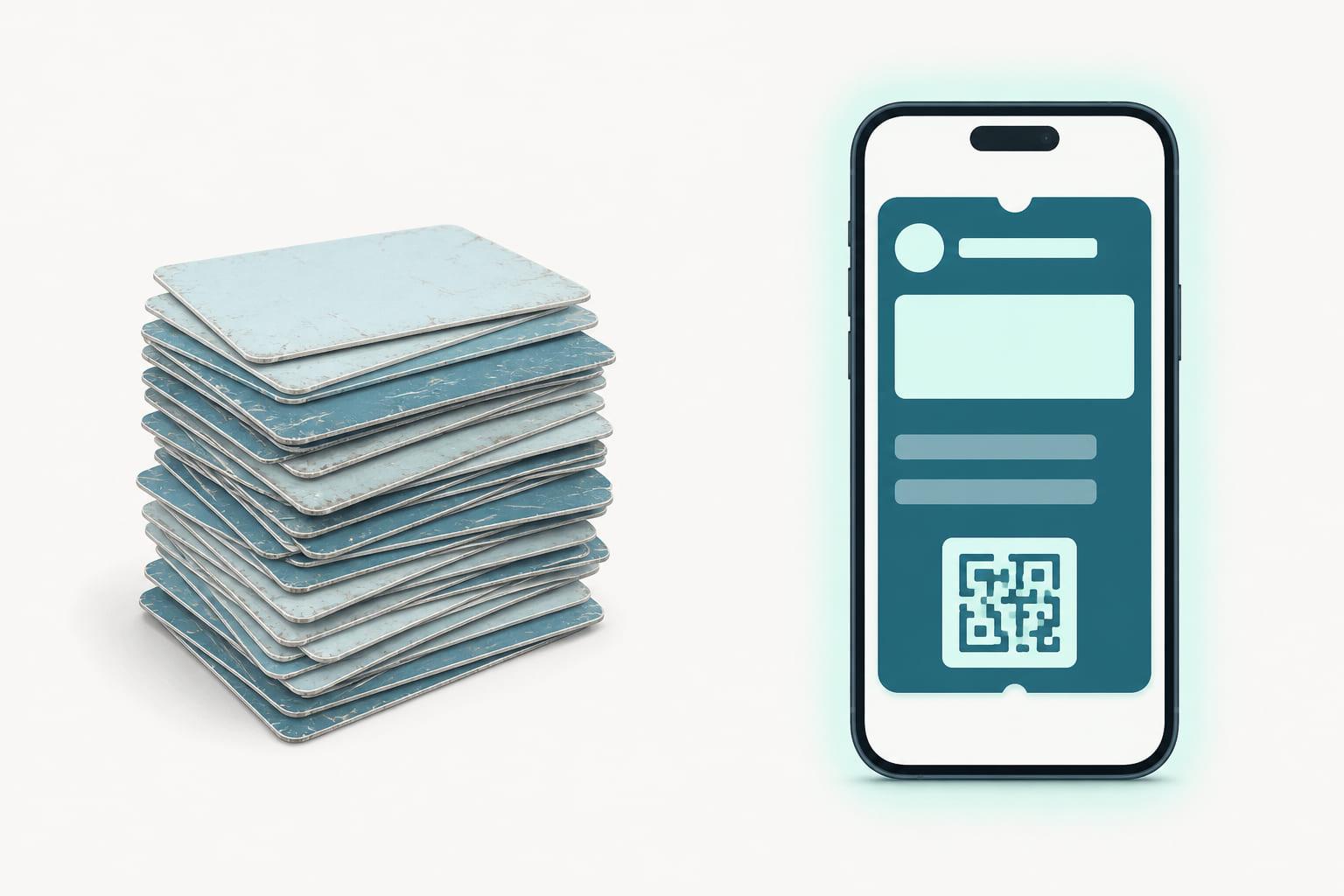
A loyalty program only works at the moment of use, and plastic fails precisely there. The card is in the other bag, the glove box, or the kitchen drawer, and the member in the queue either holds everyone up searching or shrugs and skips the points. Every skipped scan is a purchase your program never saw and a member quietly learning the program isn't worth the effort.
The cost of that gap compounds. A purchase your program never saw is a customer record that stays wrong: the member looks less active than they are, the segments they fall into are off, and every campaign built on that data aims slightly wide. The forgotten card doesn't just lose points. It loses the information the whole program runs on.
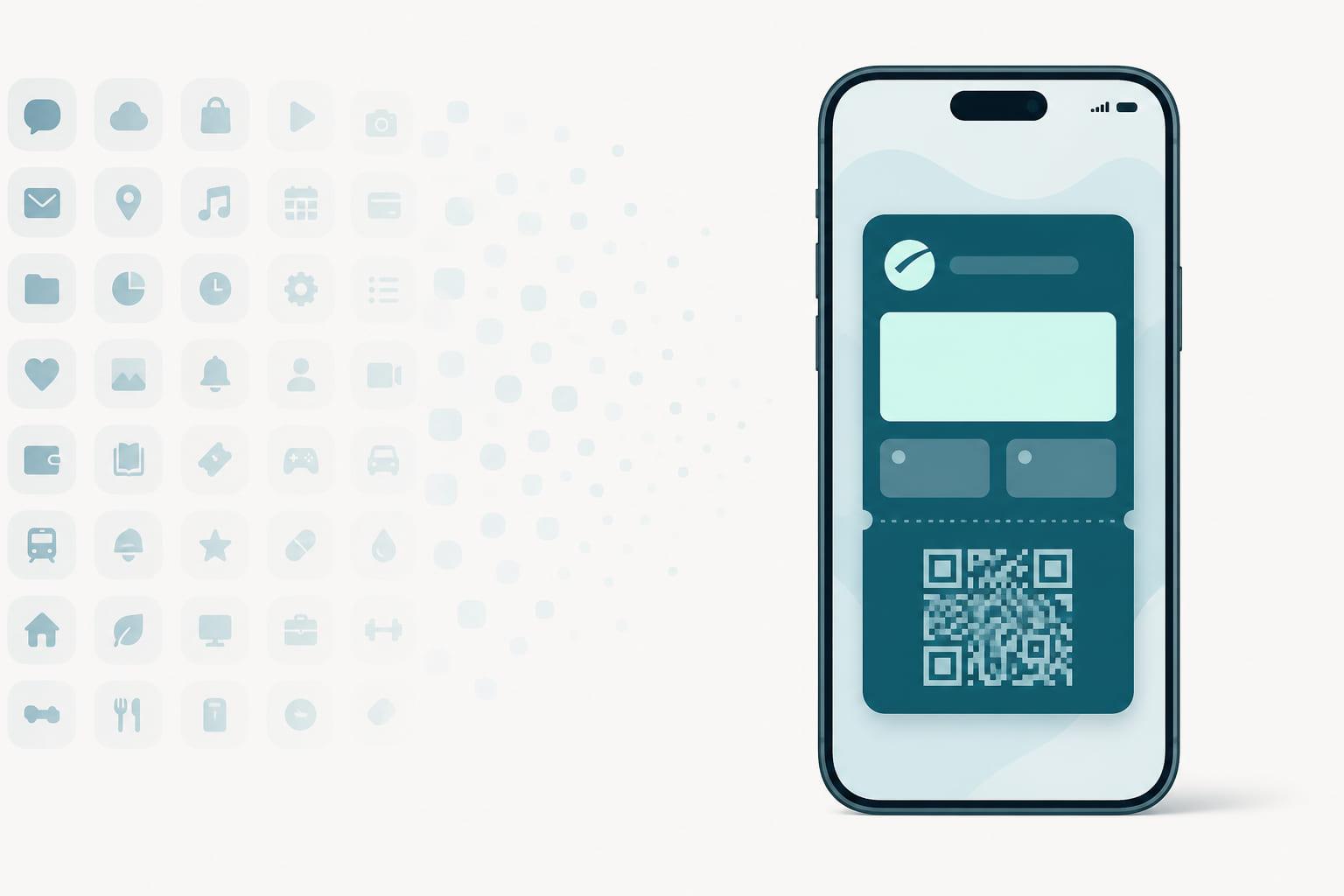
The phone, by contrast, is the one object people reliably carry. A loyalty pass in Apple Wallet or Google Wallet is there because the phone is there: surfaced with a double-click, or on the lock screen when the member walks into your store. The single biggest difference between plastic and passes is not technology. It is presence.
| Dimension | Plastic loyalty card | Wallet pass |
|---|---|---|
| Where it lives | Wallet, bag, glove box, drawer | Apple Wallet or Google Wallet on the phone |
| After issuing | Frozen at the printer | Balance, tier, benefits and design update in place |
| Getting one | Form at the till, or wait for the post | One tap from a code, link or poster |
| Cost per member | Card stock, printing, postage | Near zero, no reissue cost |
| Reaching the member | Nothing between visits | Push messages on the lock screen |
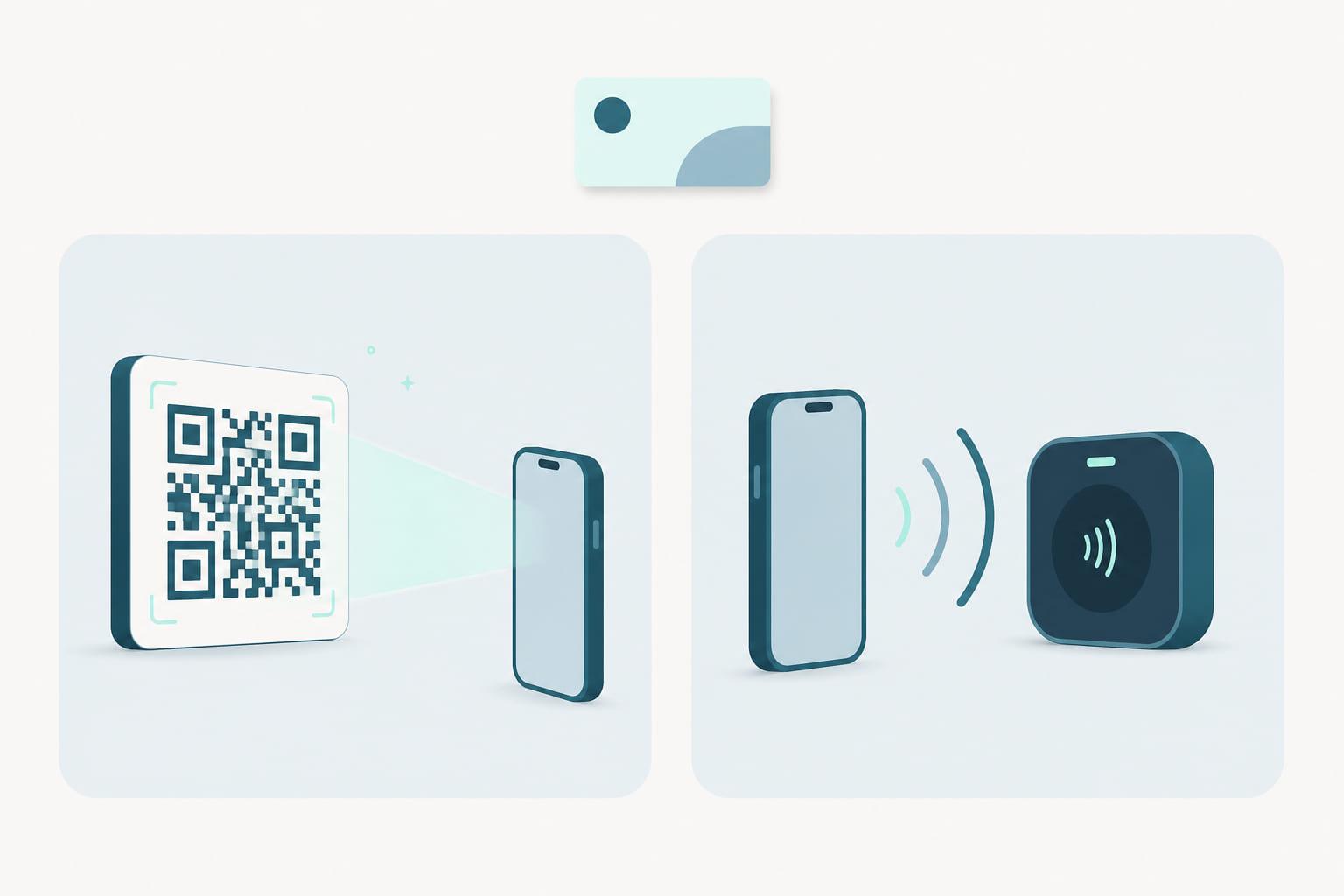
| At the till | Barcode scan | Barcode scan, or NFC tap where terminals support it |
| When lost | Reissue and reprint | Reinstall from a link |
Print once vs update forever
Plastic is frozen at the printer. A rebrand, a new tier, a changed benefit: each means reprinting and reissuing, so in practice the card says less and less over time, usually just a name, a number, and a barcode.
A pass is live. The points balance is on the front and correct. The tier updates the moment it changes, with a message on the lock screen telling the member they moved up. The design updates when your brand does, in every wallet at once, at no per-card cost. Plastic identifies the member; a pass keeps the relationship current between visits. And plastic's marginal cost per card becomes a pass's near-zero cost per member.
This is the difference a pass lifecycle platform exists for. On Stell, the pass stays connected to your program for its whole life: balances and tiers flow from your CRM to the pass automatically, updates propagate to every wallet, and push notifications to the lock screen are part of the platform, not an extra channel you pay someone else for. The card you printed was a snapshot. The pass is a feed.
Enrollment without the form
Plastic enrollment has a familiar shape: a form at the till or a sign-up flow ending in "your card arrives in the post." Both put dead time between the yes and the membership.
A pass closes that gap to seconds. A QR code on the receipt, a link at online checkout, a poster by the door: one tap and the pass is in the wallet, active, before the customer leaves the store. There is no card stock to run out of, no postage, and no window where the new member has nothing to show.
It also opens a door plastic never could: the customer who just paid and isn't a member yet. With post-purchase enrollment, the moment after payment becomes an invitation to join, right there, while the receipt is still warm. Plastic asks people to plan to join. A pass lets them join because they happen to be there, which is when most people actually say yes.
What stays the same at the till
Here the pass deliberately imitates plastic: identification works with what you have. The pass shows a barcode or QR code your existing scanners read, and where terminals support NFC (Apple VAS and Google Smart Tap), identification happens in the same tap as payment. Both are first-class routes; the choice is about your hardware, not about quality. Staff training is close to zero because the gesture is one customers already know: show the code, or tap the phone.
The honest case for plastic
There remain members who prefer a physical card, and segments where phone ownership can't be assumed. Nothing about a pass program forbids keeping plastic alongside it: same member number, same scan at the till. Most programs that offer both simply find the pass becomes the default because it is the one that's always there. The pass isn't a rejection of the card; it is the card, moved to where the member actually is.
The short version
- Plastic fails at the moment of use: forgotten, lost, left in the other bag. The pass lives on the phone, which is always there.
- Plastic is frozen at print; a pass shows live balances and tiers, and carries messages to the lock screen.
- Enrollment drops from days to one tap, and post-purchase enrollment turns paying non-members into members on the spot.
- At the till nothing changes: barcode for the scanners you own, NFC tap where terminals support it.
The plastic card was the right answer for its time. The wallet pass is the same answer, updated for the pocket your members actually reach into. Stell issues, updates, and manages those passes across Apple Wallet and Google Wallet from one platform, and supports new wallets from the same platform as they are introduced. If your program still ships plastic, see how the switch works: book a demo.