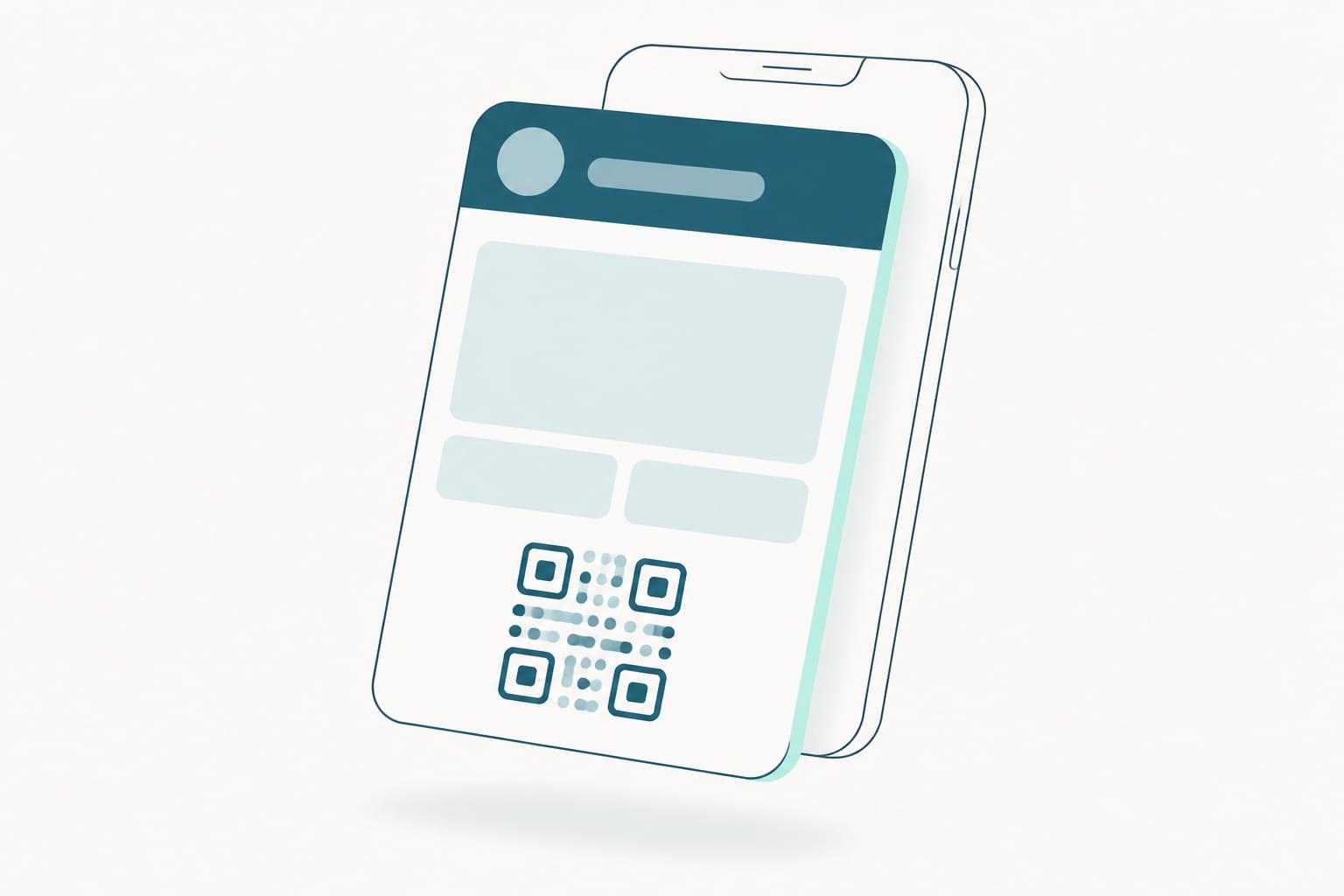
Somewhere in iOS 27 there is a feature that sounds like it makes wallet pass providers redundant. It is called Create a Pass, and it does exactly what the name says: a customer opens Wallet, taps the plus button, photographs the plastic loyalty card in their hand, and a few seconds later that card is in their wallet with a scannable code on the front. No brand involvement. No integration. No permission.
The feature is a good one, and Apple is precise about what it is for: simple barcode-based cards that no business has digitized yet. Understanding that scope is the whole point, because the conclusion people jump to is the wrong one. Create a Pass does not mean your customers no longer need a pass from you. It means the wallet slot you were counting on can now be filled before you get there, by a customer solving a different problem than the one you are solving.
What Create a Pass actually does
Two paths lead into the same editor. In the scan path, the camera reads the physical card and Visual Intelligence pulls out the barcode or QR code along with whatever printed text is legible: a name, a location, an admission type. In the manual path, the customer starts with a blank pass and types the details in, photographing just the code if there is one.
From there, they pick a template. Standard, Membership, or Event. They pick from twelve background colors or seven light-trail designs grouped by category, theater and music and sports and movies. They add and remove fields from a fixed set: label, date, membership number, contact, coupon code, and a handful of others. Then they save it, and it sits in their wallet alongside their boarding passes and their bank cards, and it scans at your till.
Apple is clear about the scope. This is for simple barcode-based cards. It is not a route to payment cards, IDs, transit cards, hotel keys, or anything that depends on an app.
Where its scope ends, and why that matters to you
None of what follows is a gap in the feature. It is the boundary Apple drew on purpose, between a personal organizing tool and an issued pass backed by a business. Read the feature list with a loyalty program in mind and that boundary becomes clear.
There is no push channel. A customer-made pass cannot notify anyone, because nothing is on the other end of it. No campaign, no automation, no lock-screen message when the offer lands.
There are no updates. The pass is a still image of a moment. A points balance typed in on Tuesday still says Tuesday's number in November. A tier does not change. An expiry date does not move. Nothing you do on your side reaches it, because there is no link between your side and it.
The barcode is a photograph of a barcode. Anything that rotates, refreshes, or is issued per visit breaks immediately. Static member numbers survive; dynamic codes do not.
There is no NFC, so there is no tap at the terminal, no Apple VAS, and none of the identification story that makes a pass better than a card rather than merely lighter than one.
And there is no brand, by design. The templates are meant to look tidy in anyone's wallet, not to carry a visual identity, so the customer picks a background from the set Apple provides rather than uploading your artwork. That lands in the same release where issued loyalty passes gain full-bleed poster layouts and action tiles, which is Apple making the distinction plainly: brands get the expressive surface, individuals get the tidy one.
Most importantly, you do not know it exists. There is no enrollment event, no contact record, no consent, no segment membership. From your systems' point of view, a customer who does this is still a stranger holding a barcode.
The real risk is the slot, not the feature
Here is the part worth sitting with. A wallet is not infinite in practice, and attention inside it is scarcer still. When a customer builds their own version of your loyalty pass, they have solved their problem. The plastic is out of their pocket, the code scans, the job is done.
You now have a harder conversation than you had before. Asking someone to add your official pass means asking them to replace something that is already working for them, and to hold two near-identical objects in the meantime while they figure out which one to delete. That is a worse pitch than the one you had a year ago, when the alternative was plastic.
This is not an argument against the feature. It is an argument about sequencing. Create a Pass rewards the brands that were already there and quietly penalizes the ones that were planning to get around to it.
Read it as demand, because that is what it is
Apple did not build a pass editor into Wallet on a hunch. Apple builds for observed behavior, and the behavior here is people carrying cards they would rather not carry and photographing barcodes to avoid it. Shipping the feature is Apple confirming, at platform scale, that the wallet is where this belongs.
That is the signal, and it is a flattering one for anyone running a pass program. Your customers want their membership in the wallet badly enough to assemble it themselves from a template and a photographed code. The demand you have spent budget trying to create for your app is already there, pointed at a surface you can occupy properly.
The distance between the pass they can assemble and the pass you can issue is real. Yours updates, messages, taps, identifies, expires, changes tier, carries your artwork, and ties every scan to a contact record. Theirs holds a number steady, which is exactly what it was built to do. In iOS 27 the distance grows, because every improvement Apple ships to issued passes lands on your side of it.
What to do about it
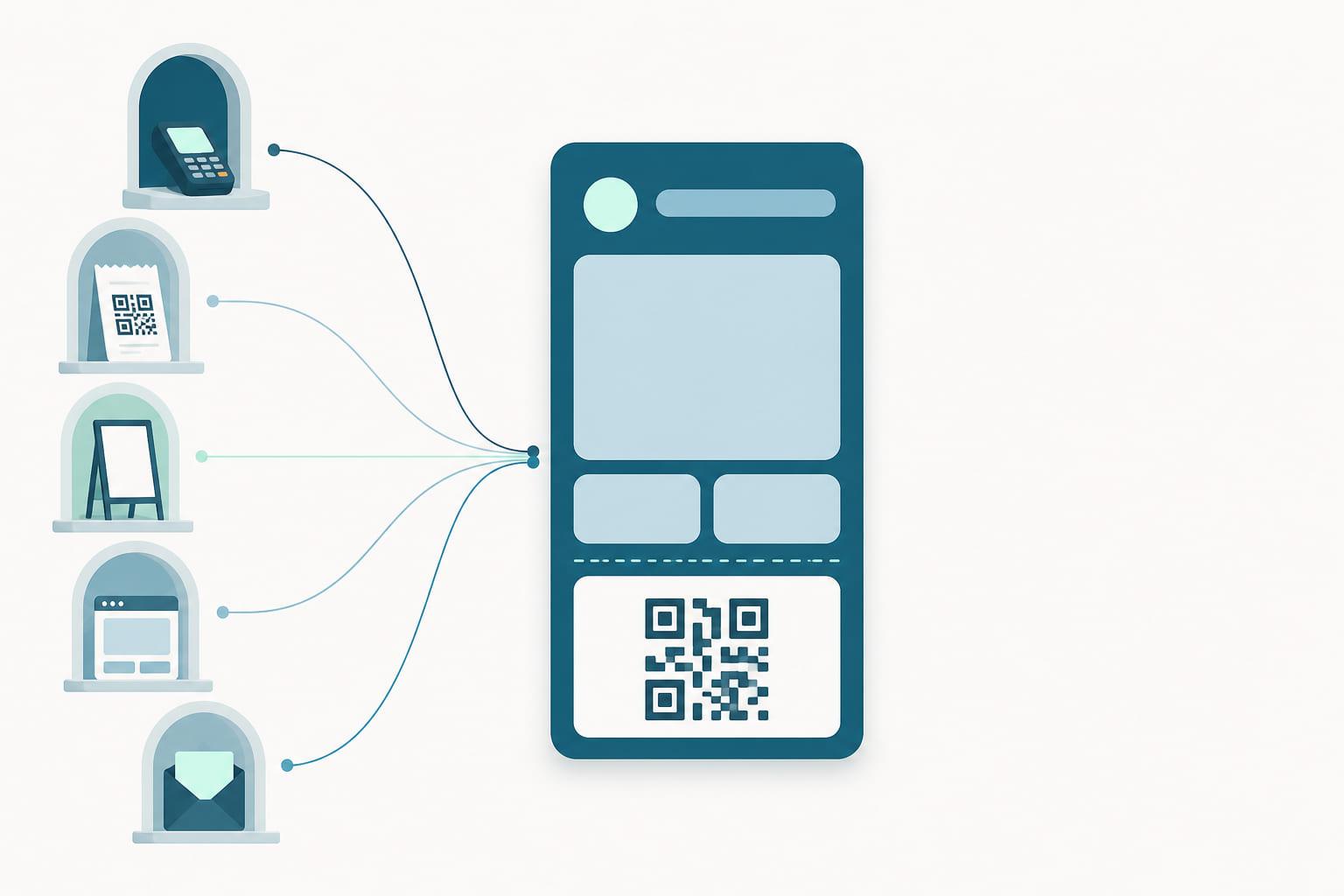
Get there first, and make getting there trivial. The brands least exposed to this are the ones where a customer never has to improvise, because a pass is offered at the moment they would otherwise have reached for the camera.
That means the moment after payment, when the transaction just proved they are a customer, which is where most programs already leak members. It means a join flow that ends in a pass rather than a form, on the receipt, on the table, on the shelf edge, wherever the physical card used to be handed over. And it means covering every channel where the question comes up, not just the one the marketing team owns.
If you already issue passes, this feature costs you nothing and validates the channel you picked. If you do not, iOS 27 sets a pace. Your customers will start solving this without you, one photographed barcode at a time, and each of those is a wallet slot holding a number rather than a relationship.
The short version
- iOS 27's Create a Pass lets any customer scan a physical card, or type one in, and build a wallet pass with no involvement from the brand.
- Those passes are static: no push, no updates, no NFC, no brand artwork, no expiry, and no record on the brand's side that they exist.
- The cost to brands is not the feature, it is the slot. Replacing a pass the customer already made is a harder ask than offering one before they need to.
- Treat it as proof of demand and close the gap at enrollment: offer the real pass at the moments a customer would otherwise improvise.
The wallet is where your program belongs, and your customers have just told you so in the clearest way available to them. See the platform.