Every iOS release quietly moves the ceiling on what a wallet pass can be. iOS 18 gave event tickets a full-bleed poster layout and a row of venue buttons. iOS 27 is the release where that ambition reaches the passes most brands actually issue: loyalty, membership, and store passes, the category Apple now promotes with its own loyalty passes page for developers, which lists Stell among the certified pass providers. Three changes matter, and all three arrive in your customers' wallets through a software update, not through anything your customers have to do.
Poster layouts for loyalty and membership
Until now, the dramatic full-artwork pass design was reserved for event tickets. iOS 27 introduces a poster layout for generic and store passes, which means a membership pass can now lead with brand imagery instead of a strip of fields on a color block.
The design is genuinely additive: a pass carries both the poster layout and the classic layout in the same file, and each device renders the richest one it understands. A customer on iOS 27 sees the poster; a customer who hasn't updated sees the familiar classic pass. Same pass, no forked program, nobody left behind, which is exactly how a change to an object sitting in millions of wallets should work.
For brands, this is the moment the loyalty pass stops looking like a digitized plastic card and starts looking like the brand. If your visual identity is strong, iOS 27 is where it finally gets room on the pass. That raises the bar on the assets, too: a poster layout built around a cropped logo or a low-resolution banner does not flatter anyone. The brands that get the most out of this release are the ones that treat the pass as a designed surface, with imagery chosen for it, rather than a template with a logo dropped in.
Action tiles on the pass
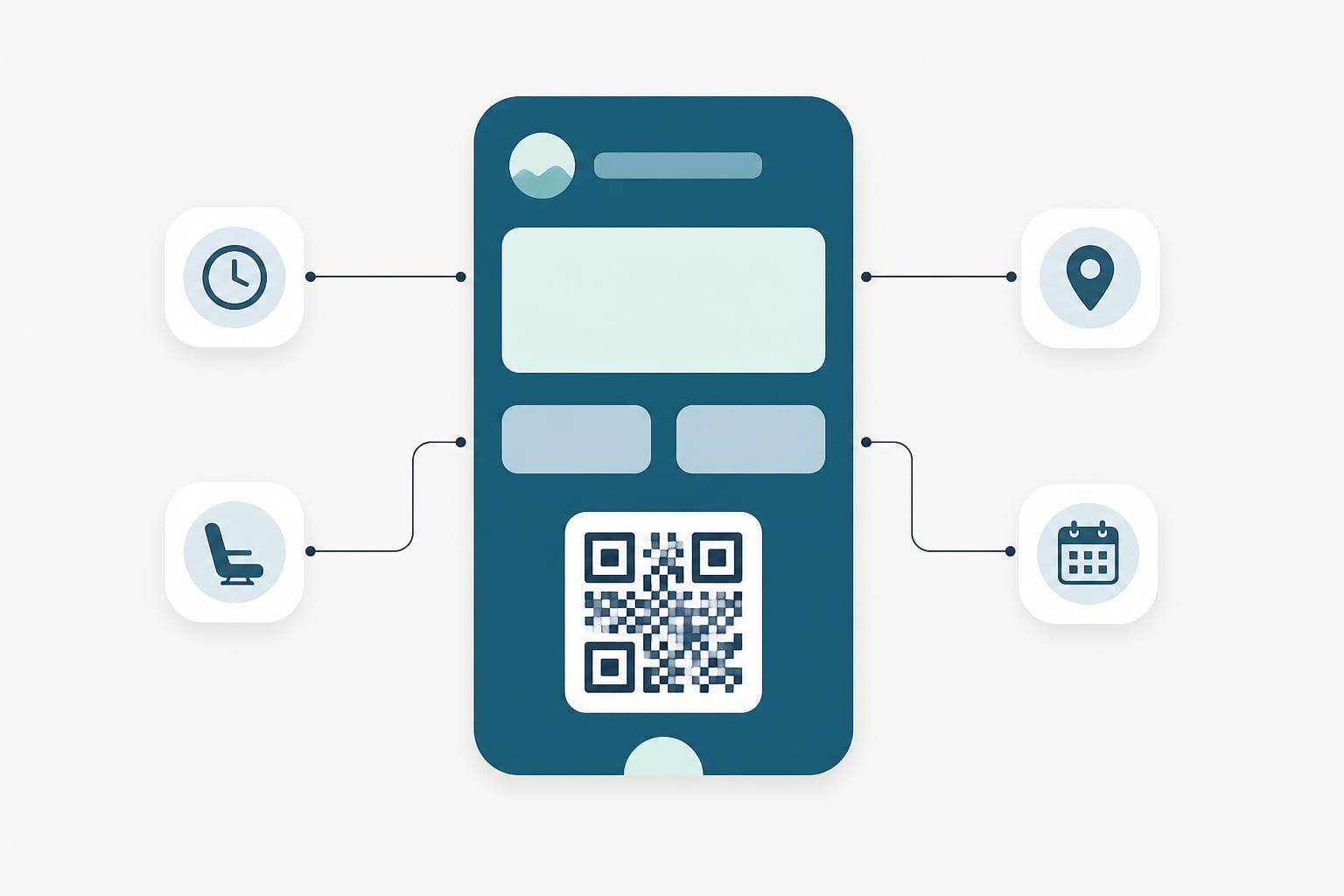
iOS 27 adds featured actions: up to two tappable tiles on the face of any pass style, each deep-linking into a destination you choose. View membership details, browse offers and rewards, see member benefits.
This is a subtle but real shift in what a pass is. Until now the front of a pass displayed information and the back held links few customers ever flipped to. Action tiles put the next step where the customer is already looking. A pass showing a points balance can now also carry the "see your rewards" door right beside it, so the pass becomes a starting point, not just a status display.
For loyalty teams, the interesting question is not whether to use the tiles but what to put behind them. Two tiles is a forcing function: you get the two actions your members actually take, not a menu. For most programs that means rewards and offers, but a gym might choose class booking, and a venue might choose tonight's program. The tiles are also updatable like everything else on the pass, so what they point to can change with the season, the campaign, or the member's tier.
The barcode formats retail already speaks
Wallet passes have long supported QR, Aztec, PDF417, and Code 128. iOS 27 adds EAN-13, Code 39, Codabar, and Interleaved 2 of 5: the linear formats that decades of retail scanners, library systems, and legacy POS hardware were built around.
If your identification story has ever included "our scanners only read EAN" (common wherever member numbers live in the same scan field as product barcodes), this closes the gap. One caveat worth knowing: passes list barcodes as a fallback chain, and devices on older iOS versions don't know the new formats. A well-built pass lists a universally supported format after the new one, so every device renders something scannable. That's the kind of detail a pass platform should simply handle for you.
It is worth pausing on what this unlocks commercially. Programs that stayed on plastic because "the tills only scan EAN" just lost their last technical objection. The same member number that prints on a plastic card can now render on a pass, scan at the same till, and land in the same POS field, with no changes to the scanning hardware or the POS integration. The till does not know the card became a pass. Everything upstream of the till, the enrollment, the updates, the lock-screen messages, gets better anyway.
What this means if you run a pass program
The pattern behind all three features is the same, and it is the quiet argument for passes as a channel: the platform improves underneath objects that are already in your customers' pockets. Nobody re-downloads a pass to get the poster layout, and no engineering project stands between your program and the new capabilities. The pass file just needs to start including them.
That last part is where your provider matters. On Stell, adopting new wallet capabilities is our release cycle, not your roadmap: passes gain the new layout and actions while continuing to render correctly for every customer on older iOS, and the barcode fallback chain is composed for you rather than left as a footnote to discover in production. Your team decides what the poster should look like and where the tiles should lead; the file format is our problem.
iOS 27 also opens the wallet to passes nobody issued: customers can now build their own from a photographed barcode, which is worth thinking about carefully if your program has no pass yet.
And as always, this is one side of the story. The same pass serves Google Wallet through its own model, and Google is redesigning its side this year too, because your customers don't split neatly by platform. Running one program across both wallets, at whatever each platform's current ceiling is, is precisely the job of a pass lifecycle platform.
The short version
- iOS 27 brings the full-bleed poster layout to loyalty, membership, and store passes, with automatic fallback to the classic layout on older devices.
- Featured actions put up to two tappable tiles on the pass face, linking straight to rewards, benefits, or membership details.
- New linear barcode formats (EAN-13, Code 39, Codabar, Interleaved 2 of 5) let passes work with scanner fleets that never spoke QR, provided a fallback format rides along for older devices.
The wallet keeps becoming a better place for your program to live. The passes you issue today inherit all of it, and on Stell they inherit it without a project on your side. See the platform.