


Pickup, with the order in the wallet
A pickup pass turns an order confirmation into something useful: the order number, pickup location and status live in the wallet, update as the order moves, and identify the customer at the counter.
 Order#5521Order#5521
What the pass does
Issued at checkout
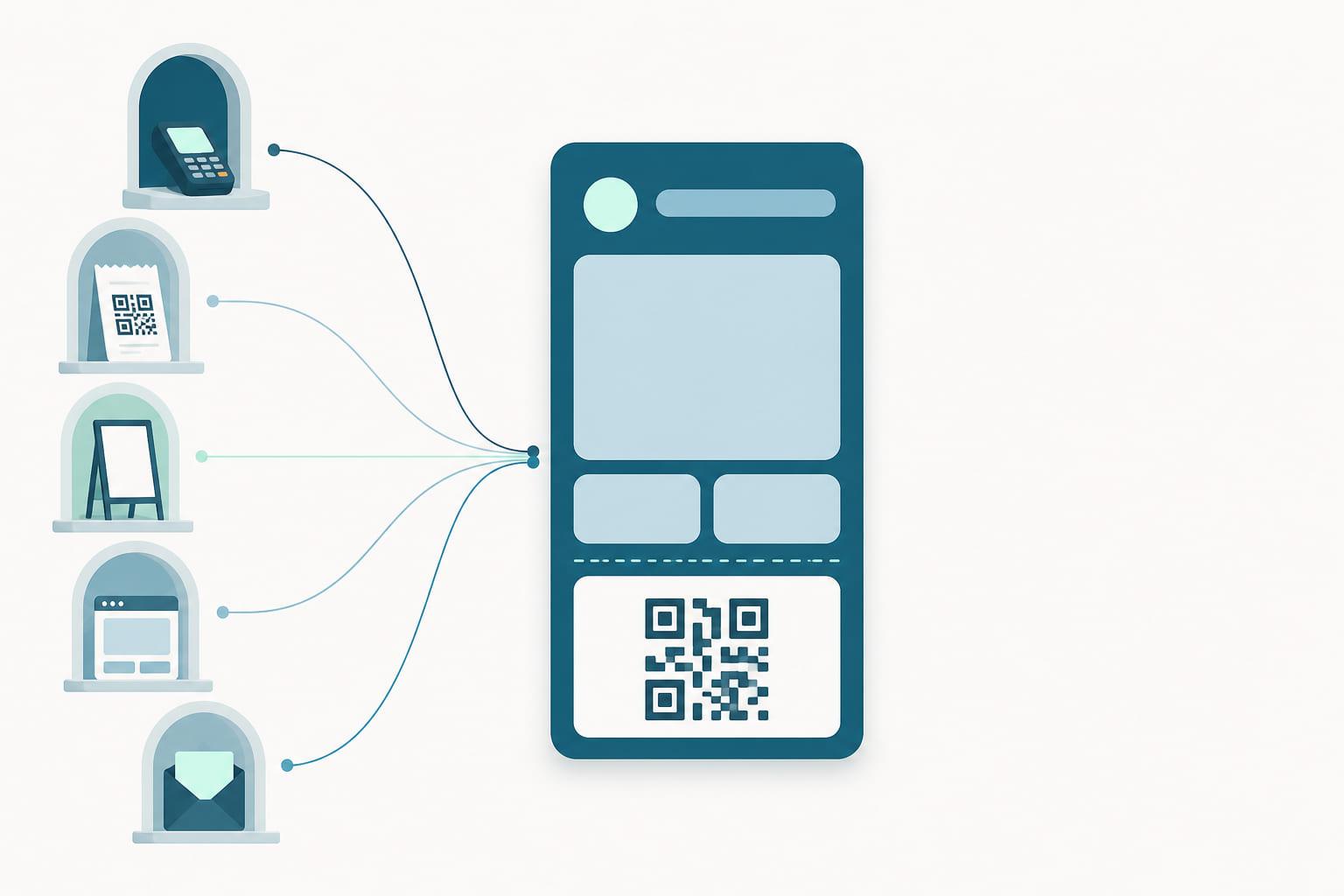
The pass is created when the order is placed and added from the confirmation page or email in one tap. It carries the order number, the pickup store and what to expect.
Verified at the counter
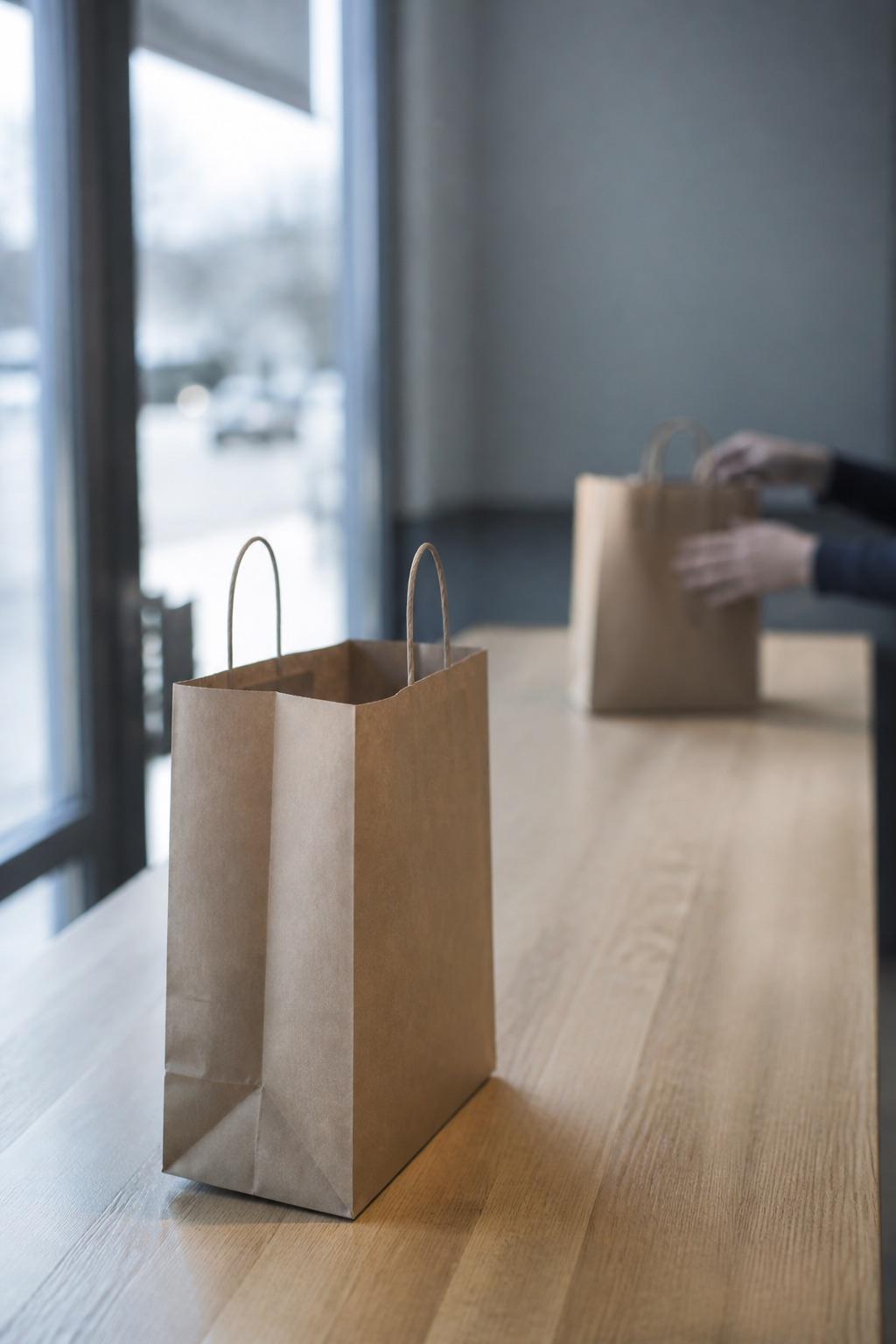
At pickup, the customer taps the phone on an NFC reader or shows the pass's QR code or barcode. Staff match the code to the order and hand it over, no name spelling or inbox digging required.
Status pushed to the pocket
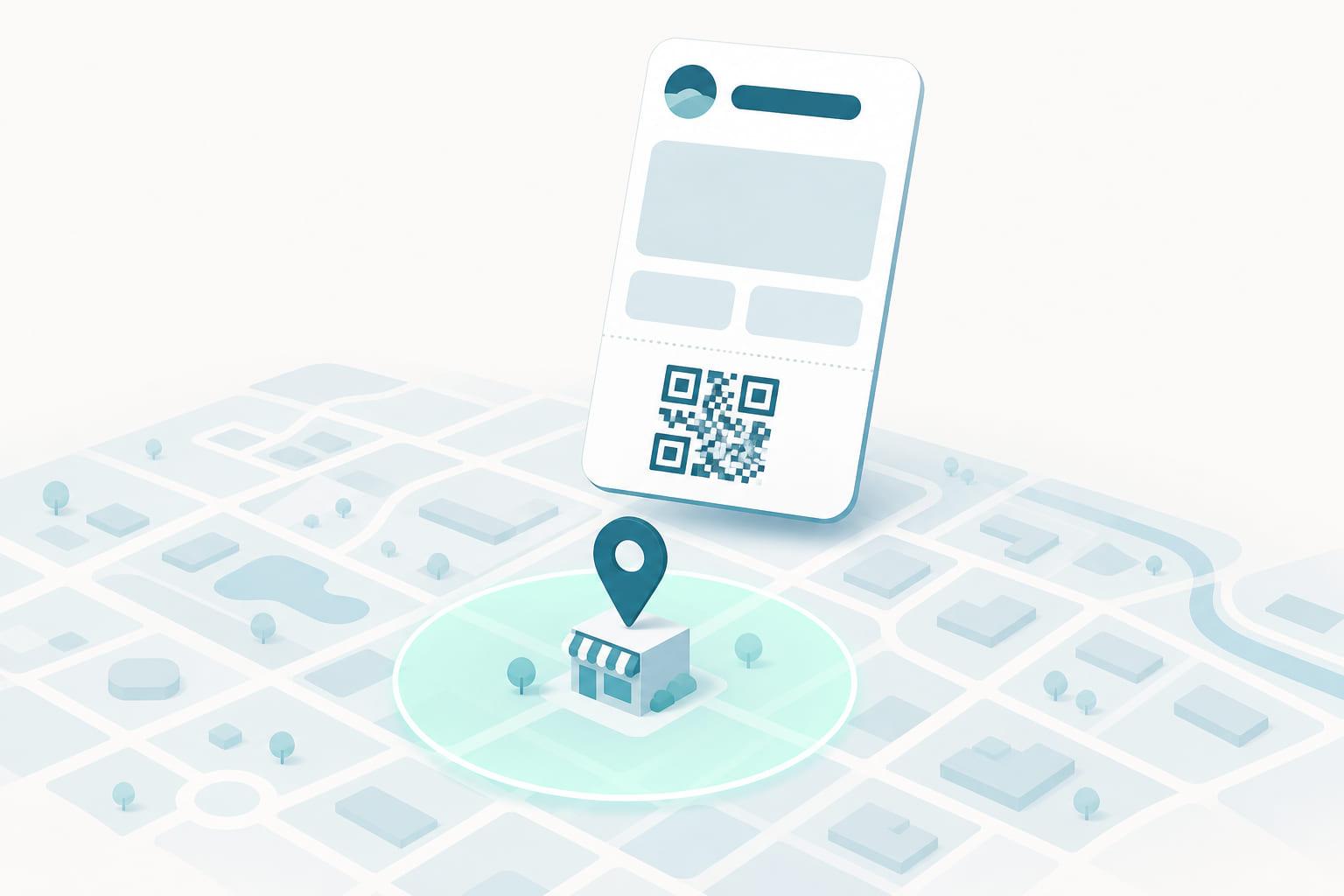
When the order is ready, the pass updates and a lock-screen message says so. Location relevance can surface the pass as the customer approaches the store.
Often better on the membership pass
Where the customer already holds a membership or loyalty pass, the usual recommendation is to deliver pickup status on that pass rather than issue a second one. Order updates land where they already look, and there is no extra add-to-wallet step. A dedicated pickup pass is the right call for guests who hold nothing yet, or where the order deserves its own place in the wallet, and both patterns are supported.
Gone when it is done
Once the order is collected, the pass expires and archives itself. Every issue, install and pickup is visible in the portal, so you can see how the flow performs.
The life of a pickup pass
From the record it is created out of to the day it retires itself, with nobody having to think about it in between.
Created at checkout
The pass is issued when the order is placed and added from the confirmation page or email, carrying the order number and the collection point.
Status on the pass
Placed, picking, ready: each change is pushed to the pass, and the ready state can arrive as a lock-screen message.
Surfaced at the store
Location relevance brings the pass up as the customer approaches, and a link on the back of the pass can tell the store they have arrived.
Handed over
A tap or a scan matches the pass to the order. Once collected, the pass expires and archives itself.
What every field is doing
The pass shown here is one example. A wallet pass has room for a handful of fields, and the template decides which of them carries what, so treat this as a starting point rather than a rule.
Order#5521Example layout
Your brand
The pass sits in the wallet next to boarding passes and tickets, so it has to be recognizable as yours at a glance.
Order number
The reference staff search on, in the header field at the top of the pass.
Status
Placed, packed, ready. The largest field on the pass, because it is the only thing the customer opens it to check.
Pickup window
When to come, stated beside the status so the two are read together rather than one at a time.
What and where
Item count and collection point, so the customer walks to the right counter in the right store.
Tap or scan at the counter
The code matches the pass to the order in one motion, and NFC does the same where the counter has a reader.
What it replaces
The wallet pass is not a nicer version of the old artifact. It is the same job, done by something that can be updated after it is handed over.
- Searched for in an inbox at the counter
- Says nothing after 'we will let you know'
- No signal that the customer has arrived
- An order number read out from a screen, twice
- In the wallet, beside the tickets and boarding passes
- Status pushed as the order moves
- Surfaced when the customer reaches the store
- A tap or a scan matches pass to order
Who runs this pass
The same pass type, shaped by what happens at the counter.
Click and collect
The order lands in the wallet at checkout and turns into a counter-ready pass the moment it is picked, with no inbox in between.
Parcel and locker pickup
One pass carrying the collection code, the location and the deadline, updated when the parcel arrives and expired when it is collected.
Order ahead
Food ordered on the way in is ready on arrival, and the pass is what the counter reads instead of a name shouted across a room.
The pass is also the channel
Engage, Stell's messaging module, sends through the pass the customer already carries. No app install, no rented inbox.
Ready is an update, not a campaign
The status change lands on the pass itself with a change message, so the customer hears it without an app notification or a marketing send.
The moment after the handover
A collected order is the natural point to invite the customer into the loyalty program. The enrollment link can sit on the back of the pass.
One message per moment
The frequency cap in Engage keeps order updates and marketing from arriving on top of each other.
Pickup passes, answered
- What does a pickup pass show the customer?
- The order number, the pickup location and the current order status, updated on the pass as the order moves toward ready.
- How does the customer identify at pickup?
- By NFC tap or by showing the QR code or barcode on the pass, which staff match to the order.
- How does the customer know the order is ready?
- The status change is pushed to the pass and can appear as a notification on the lock screen.
- Can the pass tell the store the customer has arrived?
- Yes. A link on the back of the pass can open your arrival flow, and location relevance surfaces the pass as the customer approaches the store.
- Does every order need its own pass?
- No. Where the customer already holds a membership or loyalty pass, pickup status can be delivered on that pass instead, which saves them a second add-to-wallet step. A separate pickup pass suits guests who hold nothing yet.
- What happens to the pass after the order is collected?
- It expires and archives itself out of the wallet's active list, so customers are not left holding passes for orders they already have.

A number for your program.
Tell us what you issue and where it is scanned. A specialist replies with a quote, what it covers, and the integration work we take on.
- Apple Wallet and Google Wallet included
- NFC and QR/barcode identification, both first-class
- Terminal and loyalty-platform integration done by us
Prefer to see it first? Book a demo instead.